DRIVER SUPPORT
* Option/accessory.
376
Activating/deactivating Road Sign
Information
The Road Sign Information function is selectable
- the driver can select On or Off.
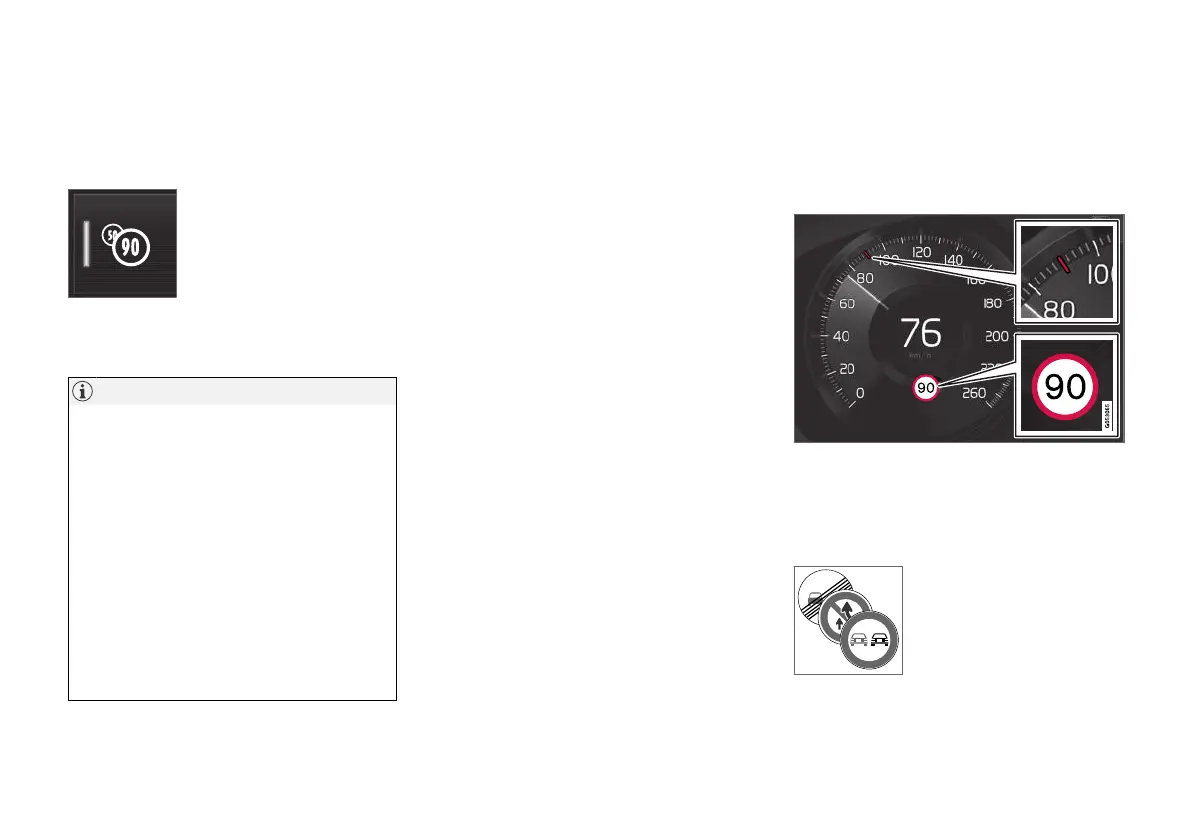
Press the
Road Sign
Information button in the cen-
tre display function view.
•
GREEN button indication - RSI is activated.
•
GREY button indication - RSI is deactivated.
NOTE
•
If the Automatic Speed Limiter function is
activated, road sign information is shown
in the driver display even if RSI is not
activated.
•
To remove road sign information from the
driver display, you must deactivate both
Automatic Speed Limiter and RSI.
•
When the Automatic Speed Limiter func-
tion is activated but RSI is deactivated, no
warnings are given from RSI. In this situa-
tion, settings for RSI cannot be adjusted
either - to be able to adjust settings as
well as receive warnings, RSI must be
activated.
Related information
•
Road Sign Information* (p. 375)
Road Sign Information and sign
display
The Road Sign Information function (RSI
97
) reg-
isters and shows road signs in different ways
depending on the sign and the situation.
Example
98
of detected speed information.
When RSI detects a road sign with an imposed
speed limit, the driver display shows the sign as a
symbol in combination with a RED indication on
the speedometer.
An additional
98
sign, such as
"no overtaking", may be shown
together with the speed limit
symbol.


 To Next Page