CLIMATE
* Option/accessory.
220
Activating and deactivating the
heated windscreen*
A heated windscreen is used to quickly remove
mist and ice from the window.
Activating and deactivating heated
windscreen from centre console
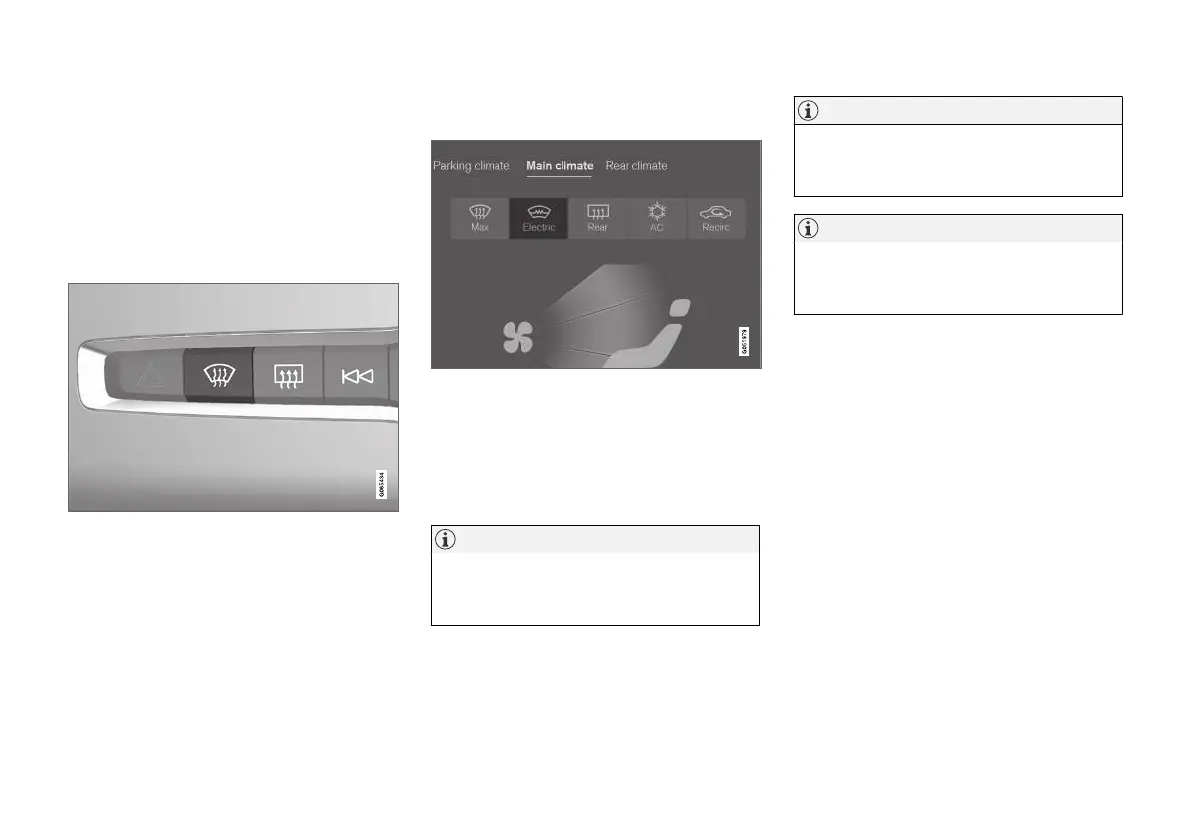
In the centre console is a physical button for
rapid access to the heated windscreen.
Physical button in the centre console.
–
Press the button repeatedly in order to
switch between the three levels:
•
Activated heated windscreen
•
Activated heated windscreen and max
defroster
•
Deactivated.
> Heated windscreen and max defroster are
activated/deactivated and the button illu-
minates/extinguishes.
Activating and deactivating heated
windscreen from centre display
The button for heated windscreen in the climate view.
1. Open the climate view in the centre display.
2.
Press
Electric.
> Heated windscreen is activated/deacti-
vated and the button illuminates/extin-
guishes.
NOTE
A triangular area at the end of each side of
the windscreen is not electrically heated,
where de-icing may take longer.
NOTE
The heated windscreen may affect the per-
formance of transponders and other commu-
nication equipment.
NOTE
If the heated windscreen is activated when
the Start/Stop function has auto-stopped the
engine then the engine will be restarted.
Related information
•
Climate controls (p. 211)
•
Activating and deactivating automatic start of
heated windscreen* (p. 221)



 To Next Page