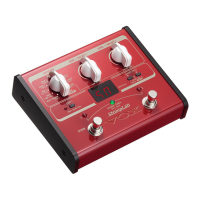
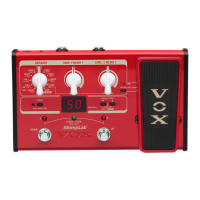
6. Setting/Display section
6、设置/显示部分
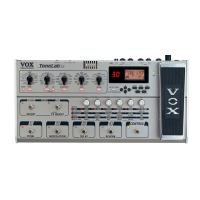
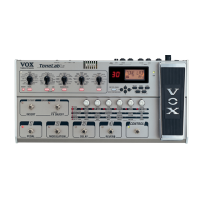
a. Program (value) display
Normally this shows the program number. When you’re using the tuner, this
shows the note name.
When you’re editing a parameter, this shows the parameter value you’re
editing.
If the parameter value matches the original value, the decimal point
segment in the lower right of the LED will momentarily go dark (p.11,
“Parameter original value indication”).
a. 编程音色(数值)显示屏
通常这里显示编程音色的序号。当你使用调音器时,这里显示的是音符的名称。
当你编辑参数时,这里显示你正在编辑的参数值。
如果参数值和原始数值一样,LED 指示灯右下角的小数点部分会立刻变暗(请参
阅“参数原始数值提示”部分)。
b. WRITE switch
Press this if you saves the sound you’ve edited (p.12, “Saving a
program”).
b. 写入开关[WRITE]
如果需要保存你已经编辑好的声音,点击这里(请参阅“保存一个编程”)。
c. EXIT/TUNE switch
Press this if you decide to cancel an operation (such as saving a program).
When the CABINET switch LED, the QUICK ASSIGN LED, or the program display
are not blinking, you can press this switch to use the tuner (p.23,
“Tuning procedure”).

 To Next Page
 Loading...