38
1
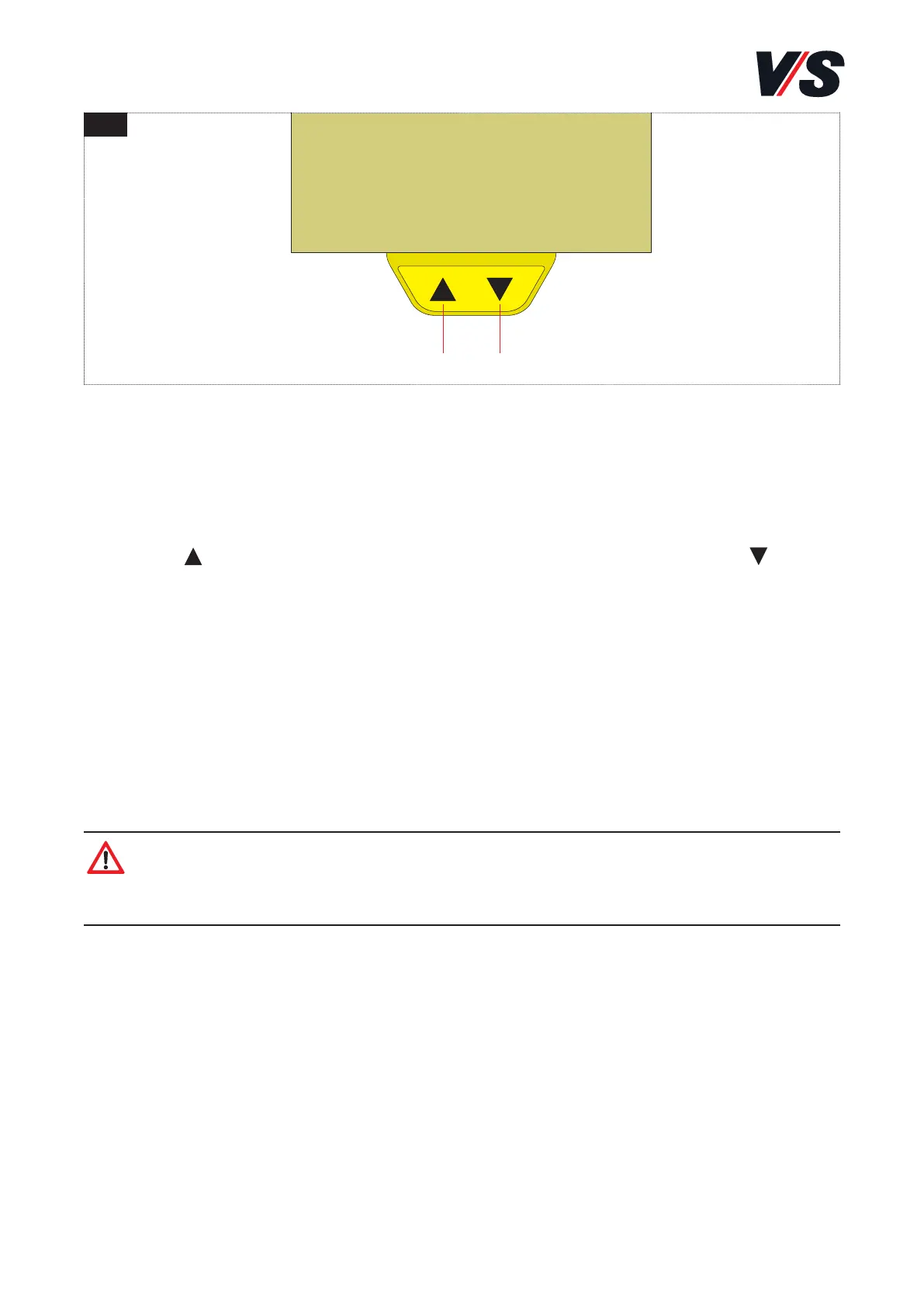
Up Down
4. Using the desk handswitch (DPA / DPG)
4.1 Using the desk handswitch (DPA)
Height adjustment
Press the button to move the desk upwards. Press the button to
move the desk downwards. The drives continue to run for as long as
you hold the button down.
4.2 Functions
- Operating time restriction
The electronics monitor heating in the drive mechanism. If the
temperature values are exceeded then the travel speed is reduced
correspondingly.
Caution! If the desk travels against an obstacle then it is possible
that the obstacle may be damaged because the desk travels against
it at its nominal speed!



 To Next Page