48
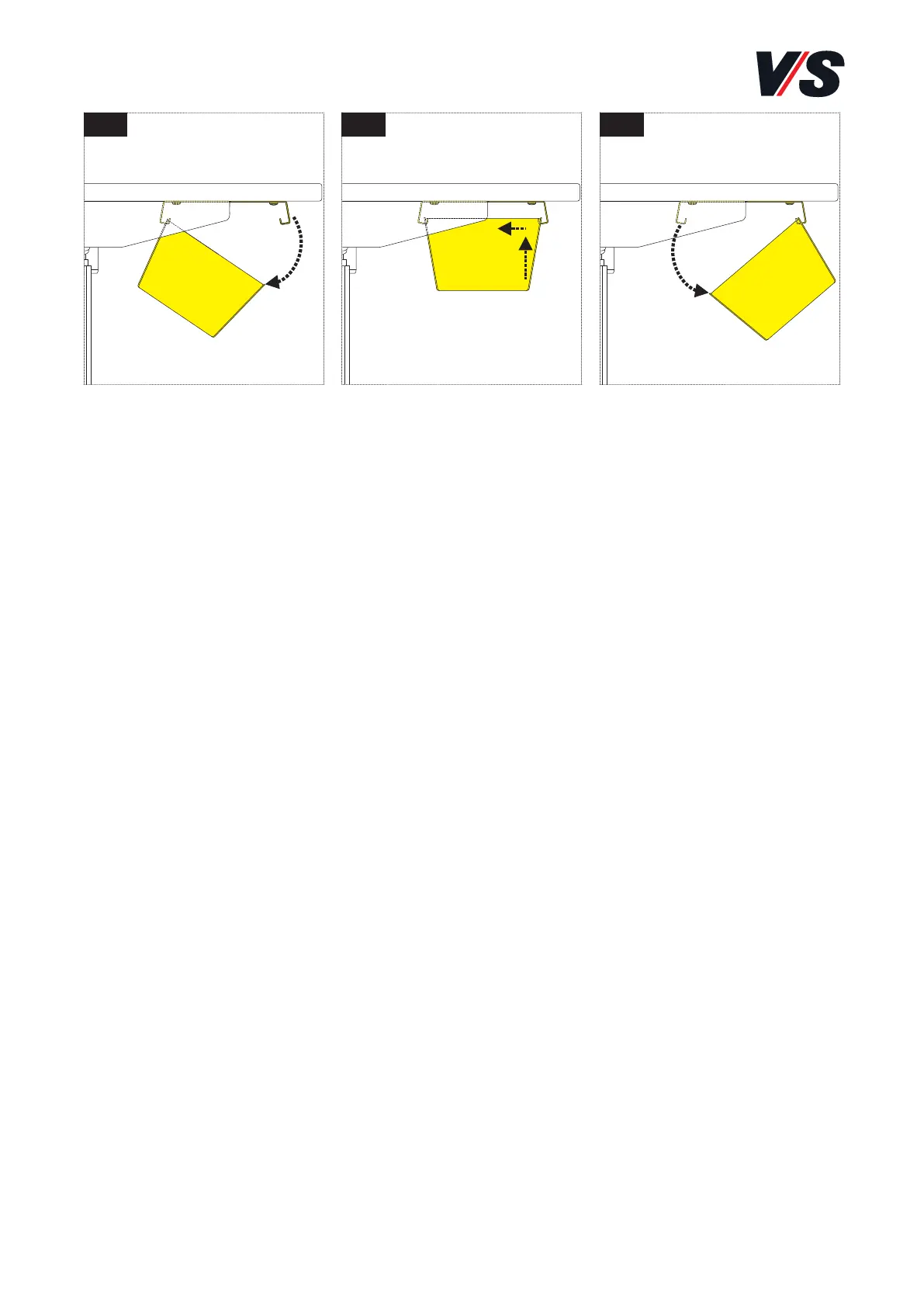
1 2 3
6. Using the cable tray
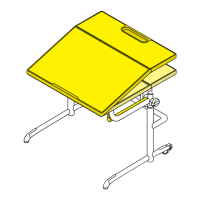
The cable tray can be released toward the user’s side of the desk and
towards the back of the desk [Figure 1], [Figure 2], [Figure 3].
The following steps must be performed to release the cable tray at the
required side. Lift the cable tray slightly at the side facing you and
then move the cable tray forwards a little. You can now open the cable
tray downwards.
To insert the cable tray again, perform the above steps in the reverse
sequence.



 To Next Page