5
Getting started
450mA
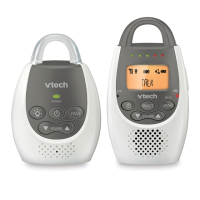
Parent unit installation
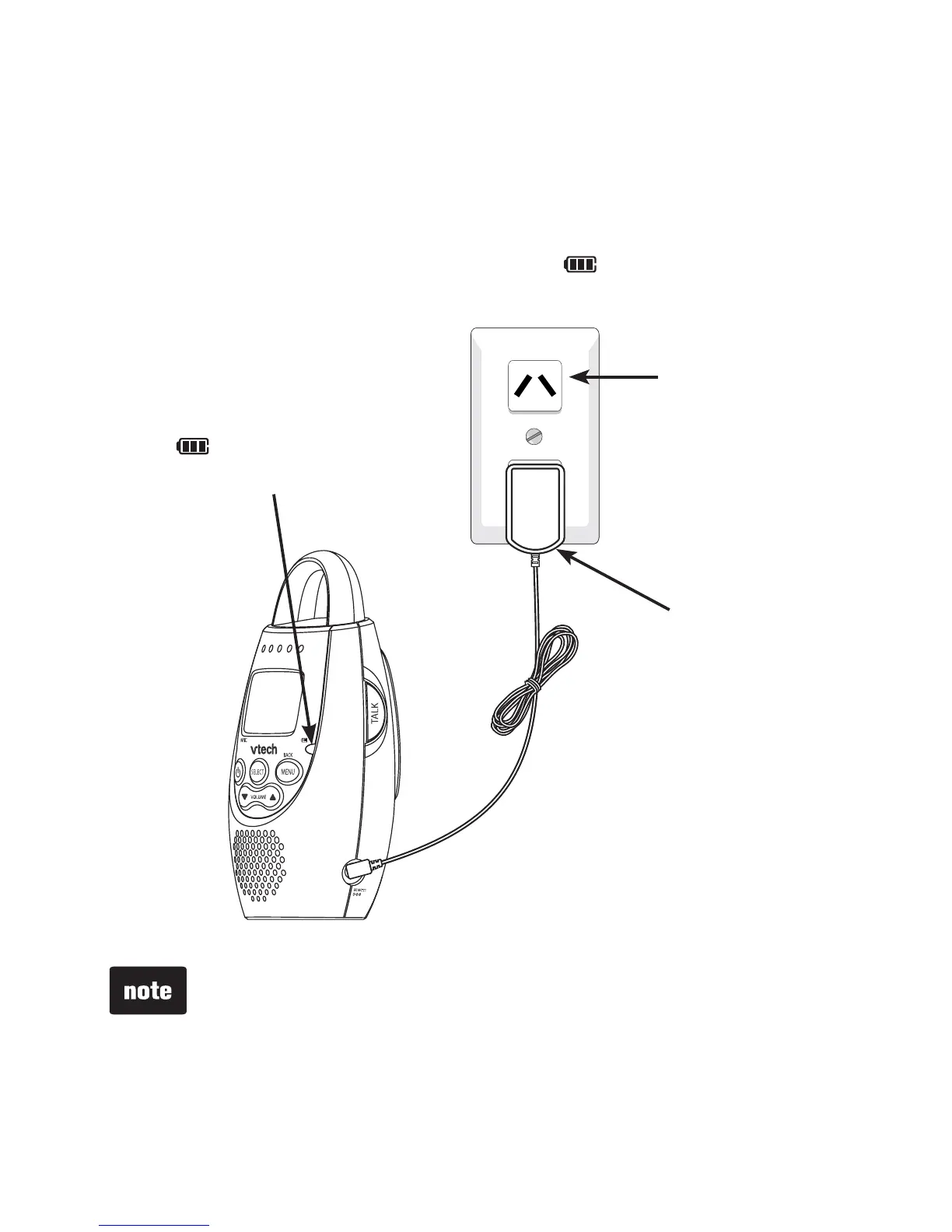
Install the parent unit as shown below.
Make sure that the power outlet is not controlled by a wall
switch. Bundle the power adapter cord neatly with a twist tie.
When the battery pack is installed, the light turns on
while charging.
Use only the power adapters supplied with this product. To
order a replacement, contact VTech on 1 300 369 193.
The power adapters are intended to be correctly oriented
in a vertical or floor mount position. The prongs are not
designed to hold the plug in place if it is plugged into a
ceiling, under-the-table or cabinet outlet.
Make sure the units and the power adapter cords are out
of reach of children.
•
•
•
Power outlet
Power adapter
The light remains
on when the battery
is charging.


 To Next Page