EasyManua.ls Logo

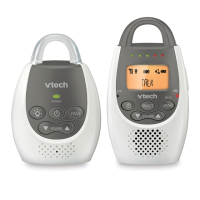
VTech BM2100 - Parent Unit Overview

VTech BM2100
40 pages
Print Icon
To Next Page IconTo Next Page
To Previous Page IconTo Previous Page
Loading...
8
Getting started
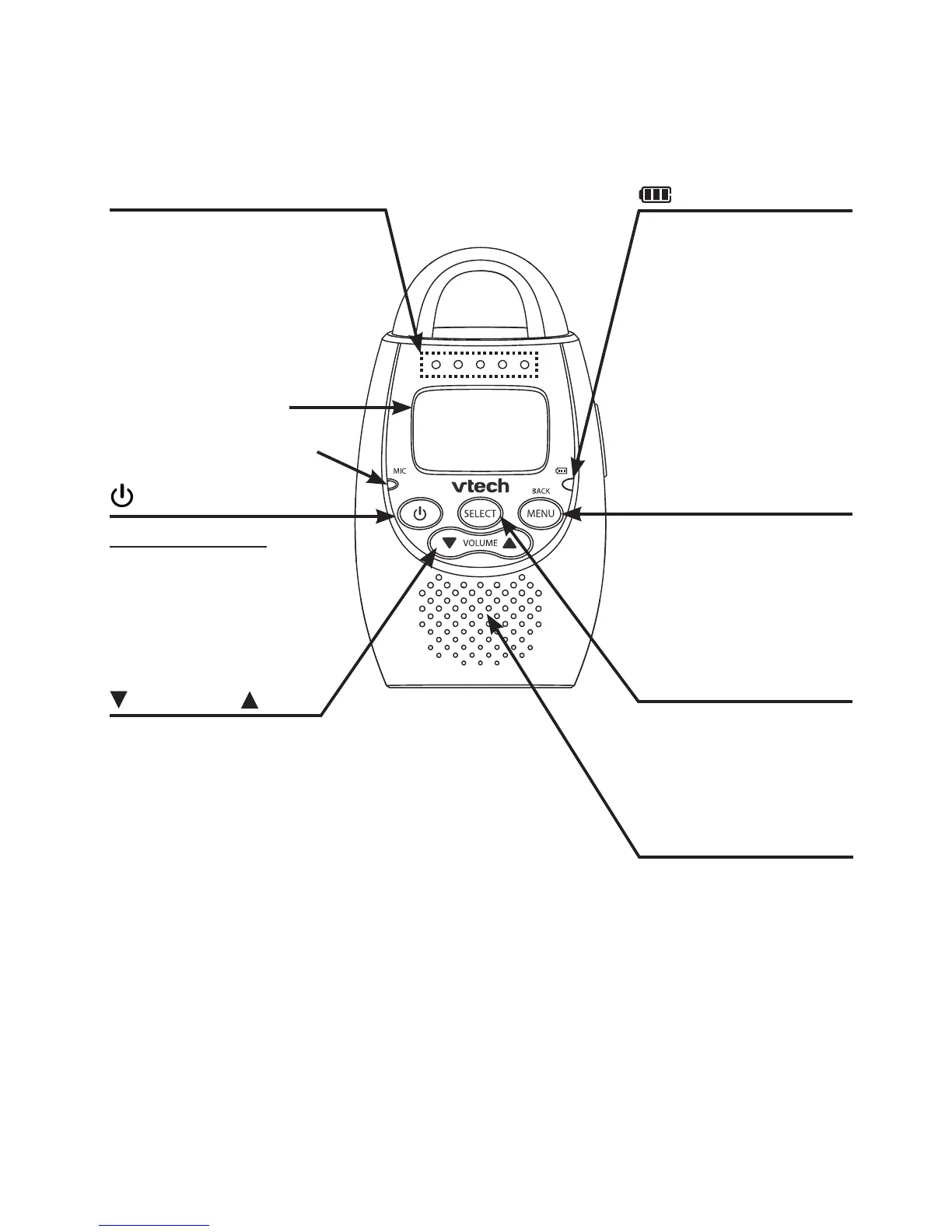
Parent unit overview
/VOLUME/
Press to decrease or
increase the speaker
volume (page 19).
While in a menu,
press to scroll down
or up.
light
On when the battery
is charging.
Flashes when the
battery is low and
needs charging.
Off when the battery
is fully charged or no
battery is installed.
Sound level indicators
Lights up when there
are sounds detected
from the baby unit. The
number of indicators that
light up depends on the
loudness of the sound.
MIC (Microphone)
SELECT
While in a menu,
press to choose
an item or save a
setting (page 13).
(On/off)
Press and hold
to turn on or off (page
19).
While in a menu, press
to return to idle mode.
MENU/BACK
Press to enter the
menu (page 13).
While in a menu,
press to return to the
previous menu.
Display screen
Speaker
To listen to
sounds transmitted
from the baby unit
(page 19).

Related product manuals