19
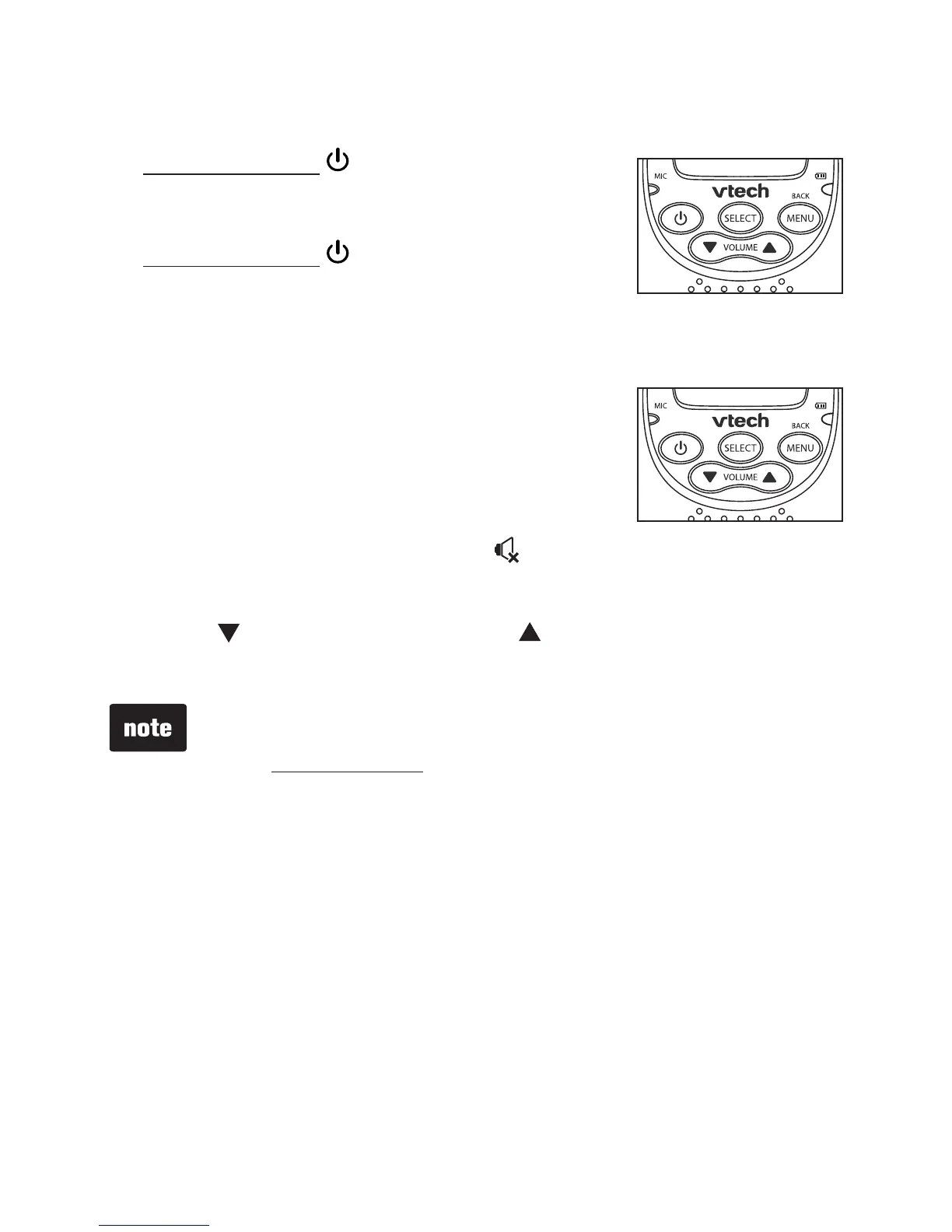
Power on or off the parent unit
Press and hold for 2 seconds to turn
on the parent unit. The display screen
turns on.
Press and hold for 2 seconds again
to turn off the parent unit. The display
screen turns off.
Speaker volume
You can change the speaker volume
(listening volume) from VOLUME 1 to
VOLUME 5, or turn it off. The speaker
volume is preset to VOLUME 3.
When the speaker volume is off, appears on the screen.
To adjust the speaker volume:
Press /VOLUME or VOLUME/ when the parent unit is
not in use.
•
•
•
If the speaker volume of the parent unit is set to
VOLUME OFF, it will be reset to the default volume when
you press and hold TALK.
When a parent unit is talking to the baby unit, it is also
broadcast to the other parent unit. However, any sounds from
the baby unit cannot be transmitted to the parent units at the
same time.
•
•
Parent unit operation


 To Next Page