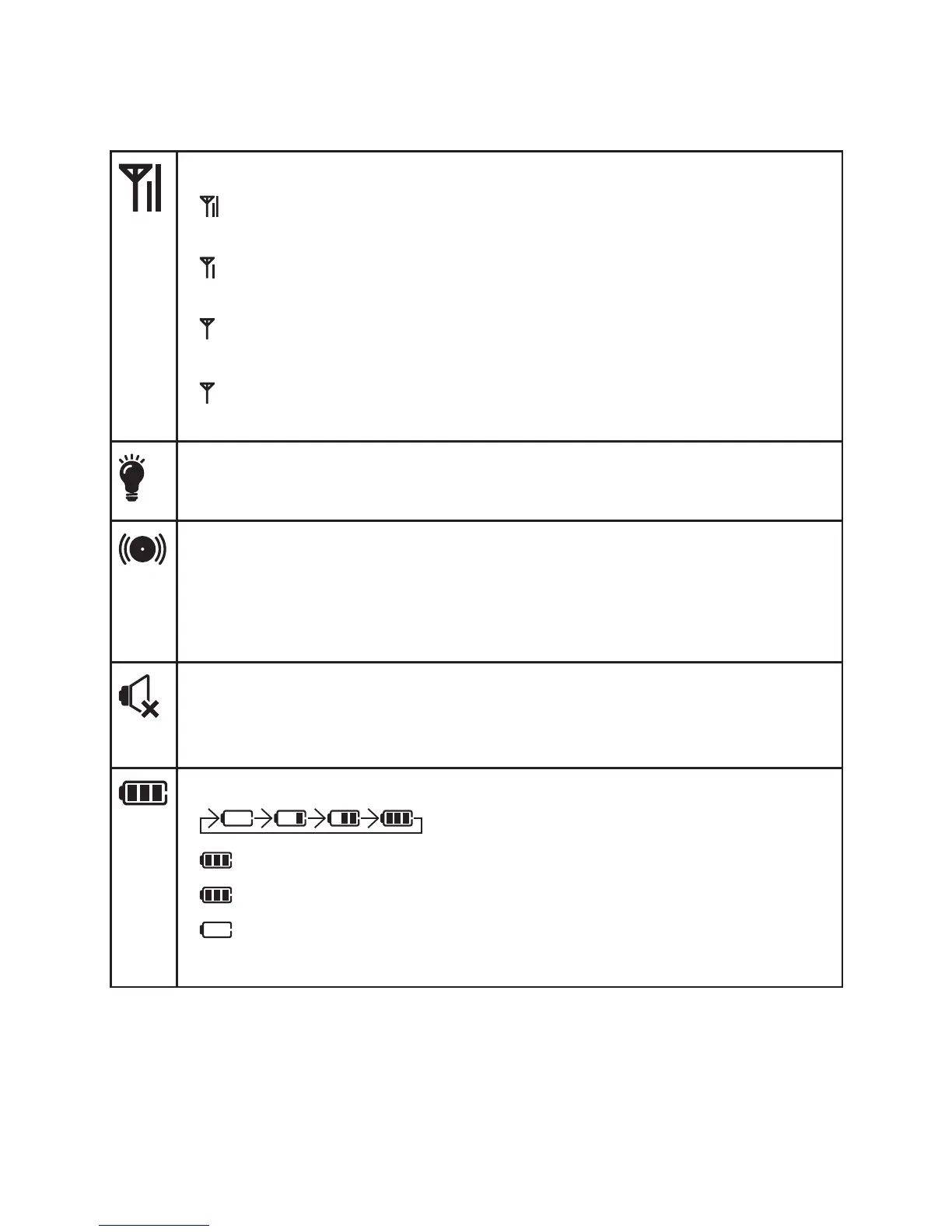
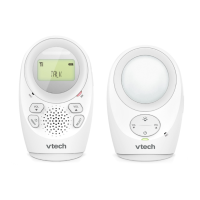
Parent unit display screen icons
Connection status
- displays when strong signal strength is detected between
the baby unit and the parent unit.
- displays when moderate signal strength is detected
between the baby unit and the parent unit.
- displays when weak signal strength is detected between
the baby unit and the parent unit.
- flashes when the link is lost between the baby unit and
the parent unit.
Nightlight auto-on
- Displays when the nightlight auto-on feature is turned on.
Sound alert
- Displays when the sound alert of the parent unit is turned on.
- Flashes when there are sounds detected from the baby unit
at which the speaker volume is set to VOLUME OFF.
Speaker status
- Displays when the speaker volume of the parent unit is set to
VOLUME OFF.
Battery status
- animates when the battery is charging.
- displays solid when the battery is fully charged.
- flashes when the battery fails to charge.
- flashes when the battery is low and needs charging.
- No battery icon displays when there is no battery installed.


 To Next Page