Parent unit operation
Talk to the baby unit
You can broadcast messages from the parent
unit to the baby unit.
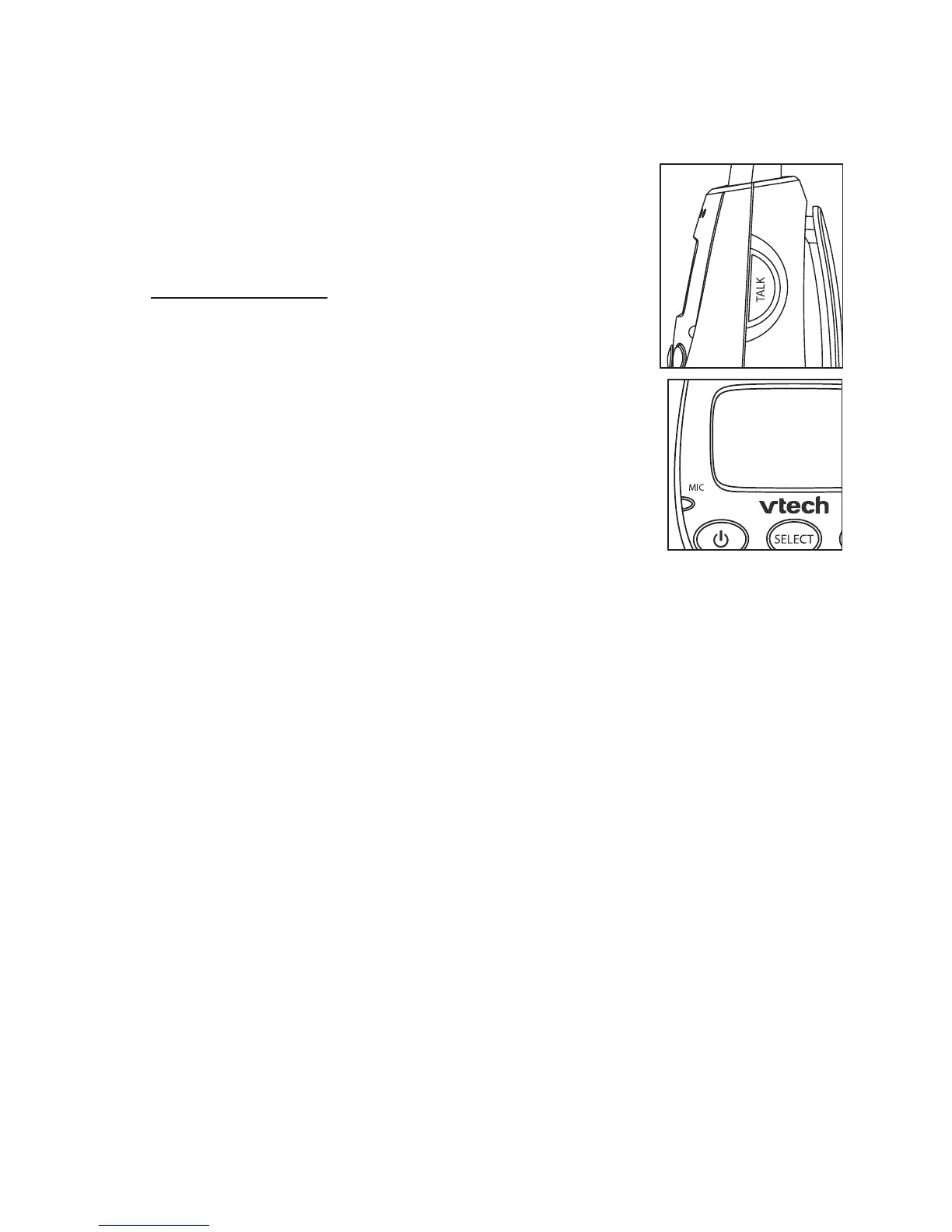
To talk to the baby unit:
Press and hold TALK on the side of the
parent unit. The screen displays TALK
when the voice connection to the baby unit
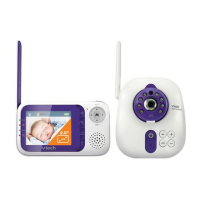
is made. Speak towards the MIC on the
parent unit. Your voice is broadcast to the
baby unit.
•


 To Next Page