11
Getting started
Positioning and operating range
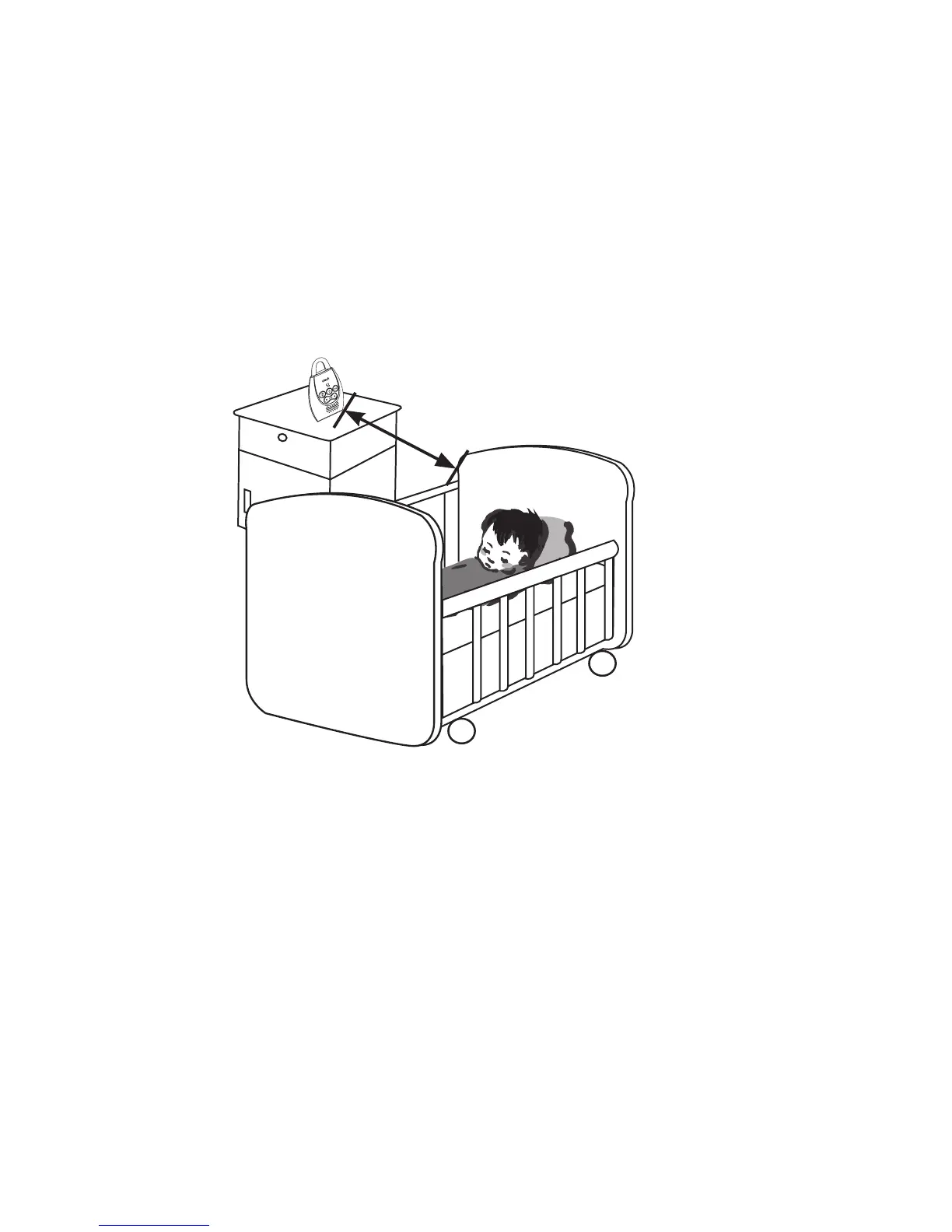
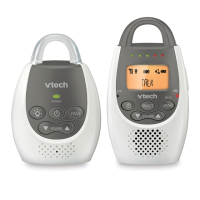
Positioning the audio monitor
Place the parent unit within the operating range (see below)
of the baby unit. We recommend you place the parent unit at
least 1 metre away from the baby unit to avoid audio feedback.
If you still experience audio feedback, move the parent unit and
the baby unit farther apart.
Audio settings
The baby unit may not detect sounds when the sensitivity level
is set below a certain level. You may need to increase the
sensitivity level (see page 13).
You may need to turn the speaker volume on the parent unit
louder to hear the sounds transmitted from the baby unit (see
page 19).
At least 1 metre


 To Next Page