Parent unit battery charging
The parent unit turns on after you have installed the parent unit
battery or connected the parent unit to AC power (see pages 3
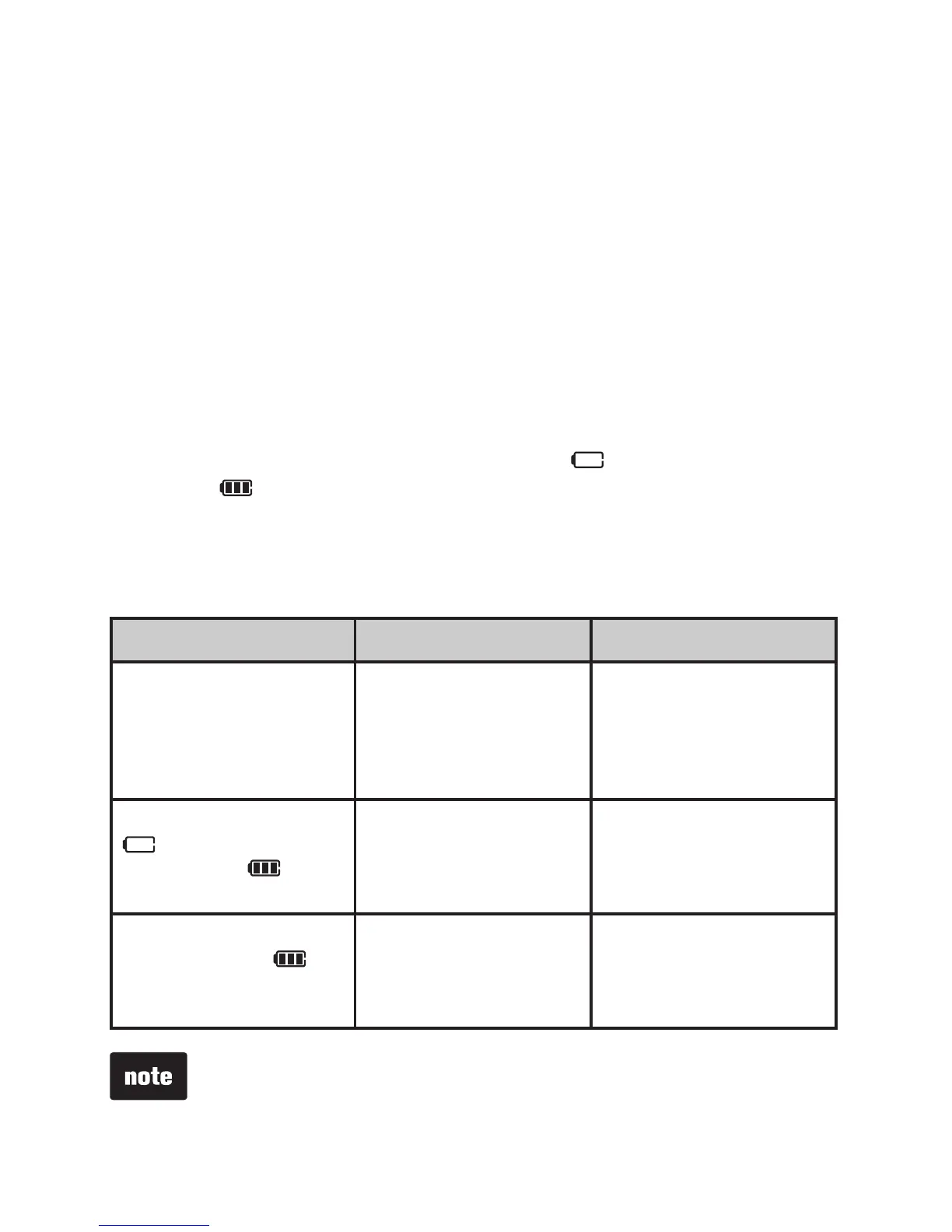
to 5). The battery icon indicates the battery status (see the
table below). The parent unit battery is fully charged after 11
hours of continuous charging. See the table on page 22 for
battery operating times.
When the parent unit is operating in battery mode and the
battery is low, you need to charge the parent unit without
interruption for at least 30 minutes to give the parent unit
enough charge to use for a short time. When operating in low
battery condition, LOW BATTERY and flash on the parent
unit. The light flashes and the parent unit plays short beeps
to alert you.
The following table summarizes the battery charge indicators
and actions to take.
Battery indicators Battery status Action
The battery icon is
off.
No battery is
installed. The parent
unit can be used only
when it is connected
to AC power.
Install the parent
unit battery. Charge
without interruption (at
least 30 minutes).
LOW BATTERY and
flash on the
screen. The light
flashes.
The battery has very
little charge and may
be used for only a
short time.
Charge
without
interruption
(about 30
minutes).
The battery icon
becomes solid .
The battery is fully
charged.
To keep the battery
charged, connect it to
AC power when not
in use.
When you charge the battery pack initially or it is not used for a
long period of time, charge it for 11 hours continuously. It takes
longer to charge the battery when the parent unit is turned on.
To shorten the charging time, turn the parent unit off.


 To Next Page