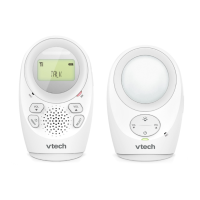
Getting started
It is the caregiver’s responsibility to stay close enough to take
care of any eventuality.
Test your audio monitor before use
It is important to test the audio monitor when it is installed
initially, and at regular times thereafter. Test your parent units
and baby unit if they have not been used for a long time or you
suspect they are defective.
To test your audio monitor:
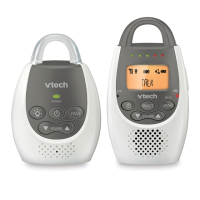
Place the parent unit and the baby unit in the same room
to test the product. Make sure the baby unit is at least
1 metre away from the parent unit.
Install the baby unit and the parent unit as described on
pages 2 to 5. Both units should turn on when they are
powered up.
When the parent unit is linked to the baby unit, the screen
displays LINKED. Your audio monitor is now ready
for use.
1.
2.
3.
If no connection can be established, the parent unit displays
NOT LINKED and flashes.
Operating range
The operating range of the audio monitor is up to 300 metres
outdoors or 50 metres indoors. The actual operating range
may vary depending on the environmental conditions
and other interferences such as walls, doors and other
obstructions.


 To Next Page