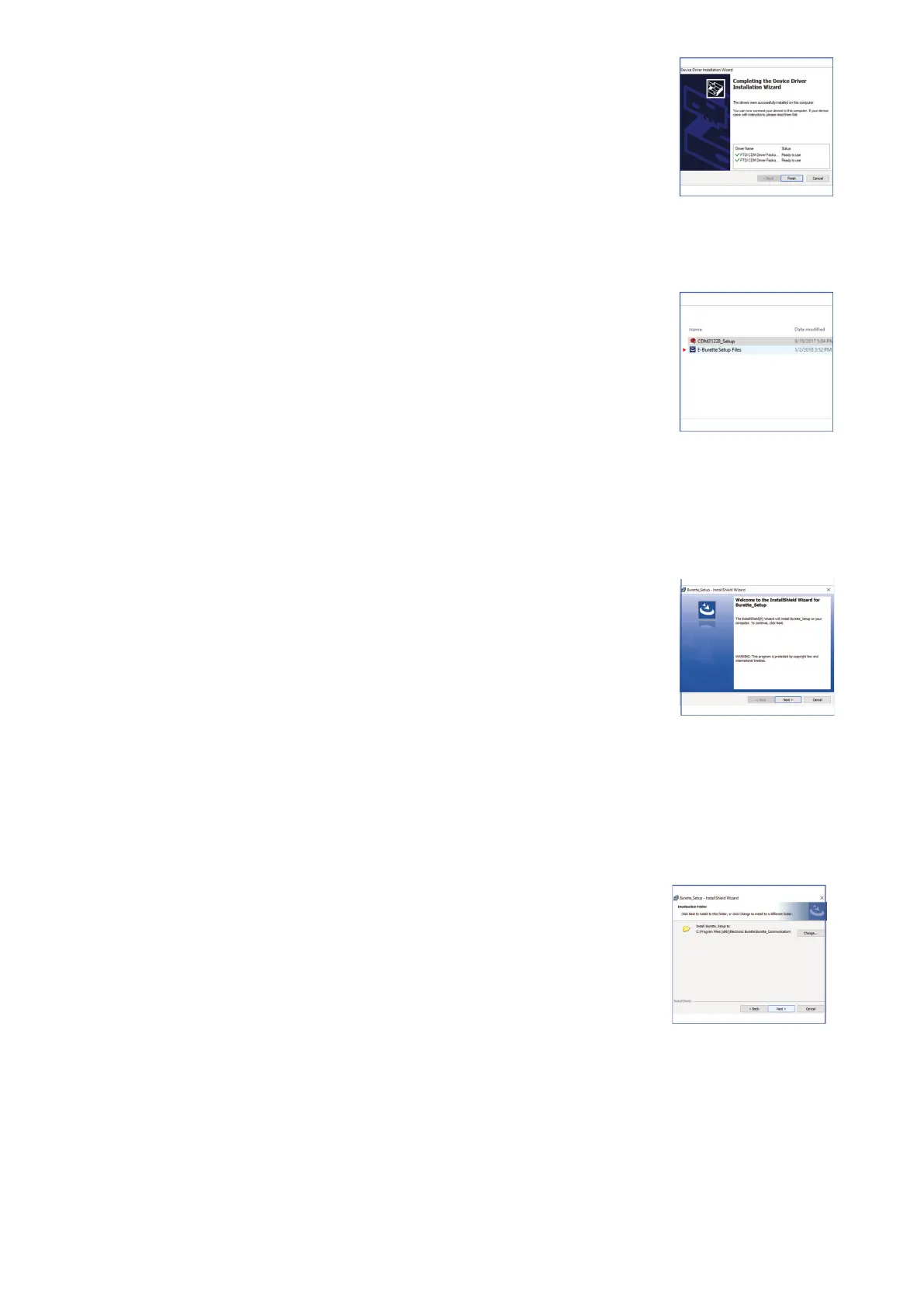
4. Then, click the Finish button on the device driver installation
wizard.
(Fig. 18)
● Installing the instrument software
1. Double click the E-BURETTE setup icon.
(Fig. 19)
2. Click Next to start the Install Shield Wizard for Communication
window.
(Fig. 20)
3. Click Next to choose the destination folder of the software files.
(Fig. 21)
10 vwr.com I Instruction manual VWR
®
E-Burette
Fig. 18
Fig. 19
Fig. 20
Fig. 21









 To Next Page