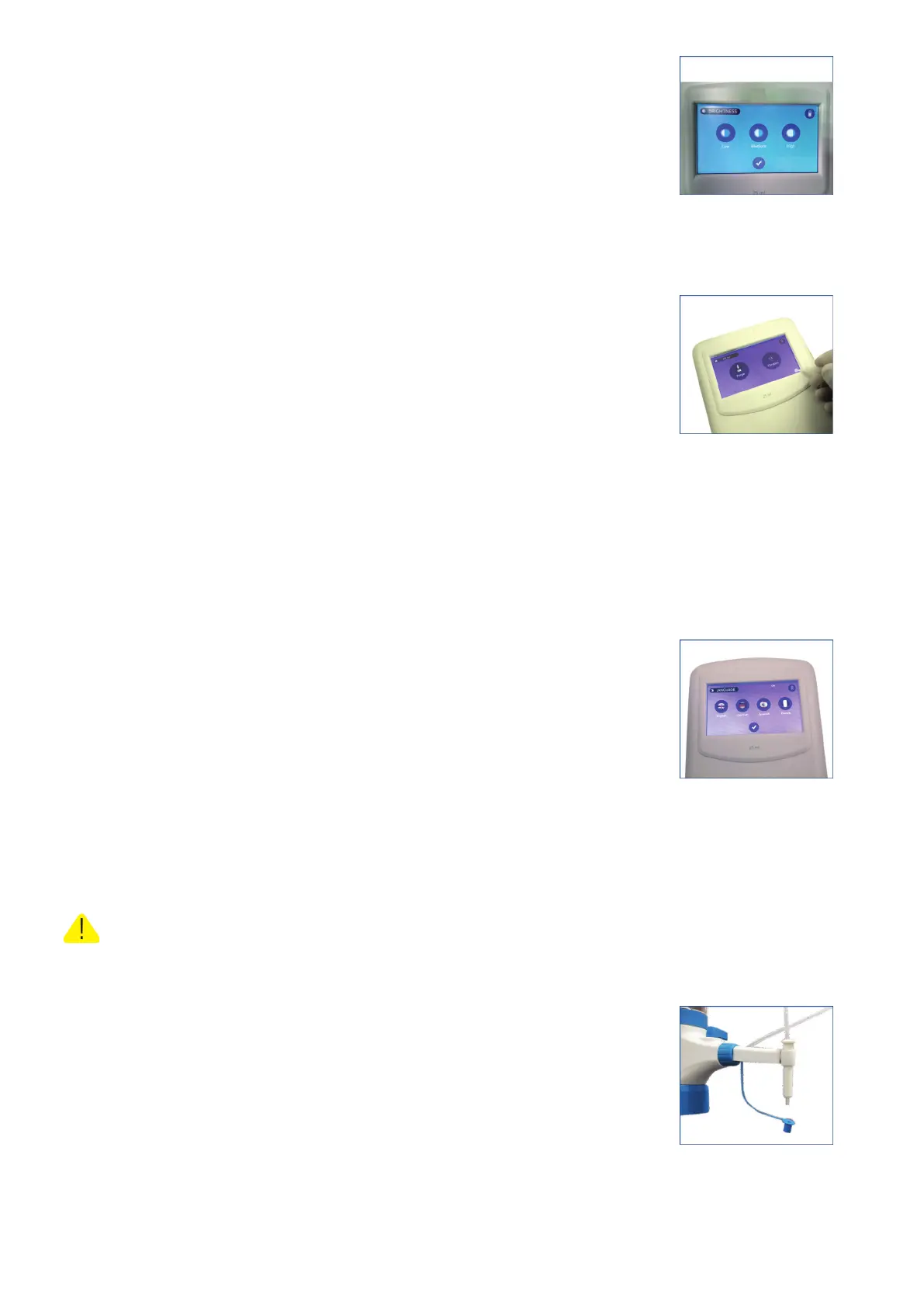
3. From the BRIGHTNESS window, select the level of brightness and
tick mark to save it.
(Fig. 35)
Language Settings
● User can select the preferred language from the language
settings.
1. Click on the settings icon from the home screen
(Fig. 36)
2. Select the preferred language from the tab by clicking on it and tick mark (✓) to save it.
E-BURETTE supports four languages English, German,
Spanish and French.
(Fig. 37)
Operation
Wear protective clothing, protective gear for the eyes and hands. Liquid may
accumulate in the cap. Follow all safety instructions and observe limitations of use and
operating constraints.
1. Remove cap from the discharge tube.
(Fig. 38)
18 vwr.com I Instruction manual VWR
®
E-Burette
Fig. 35
Fig. 36
Fig. 37
Titration
Fig. 38








 To Next Page