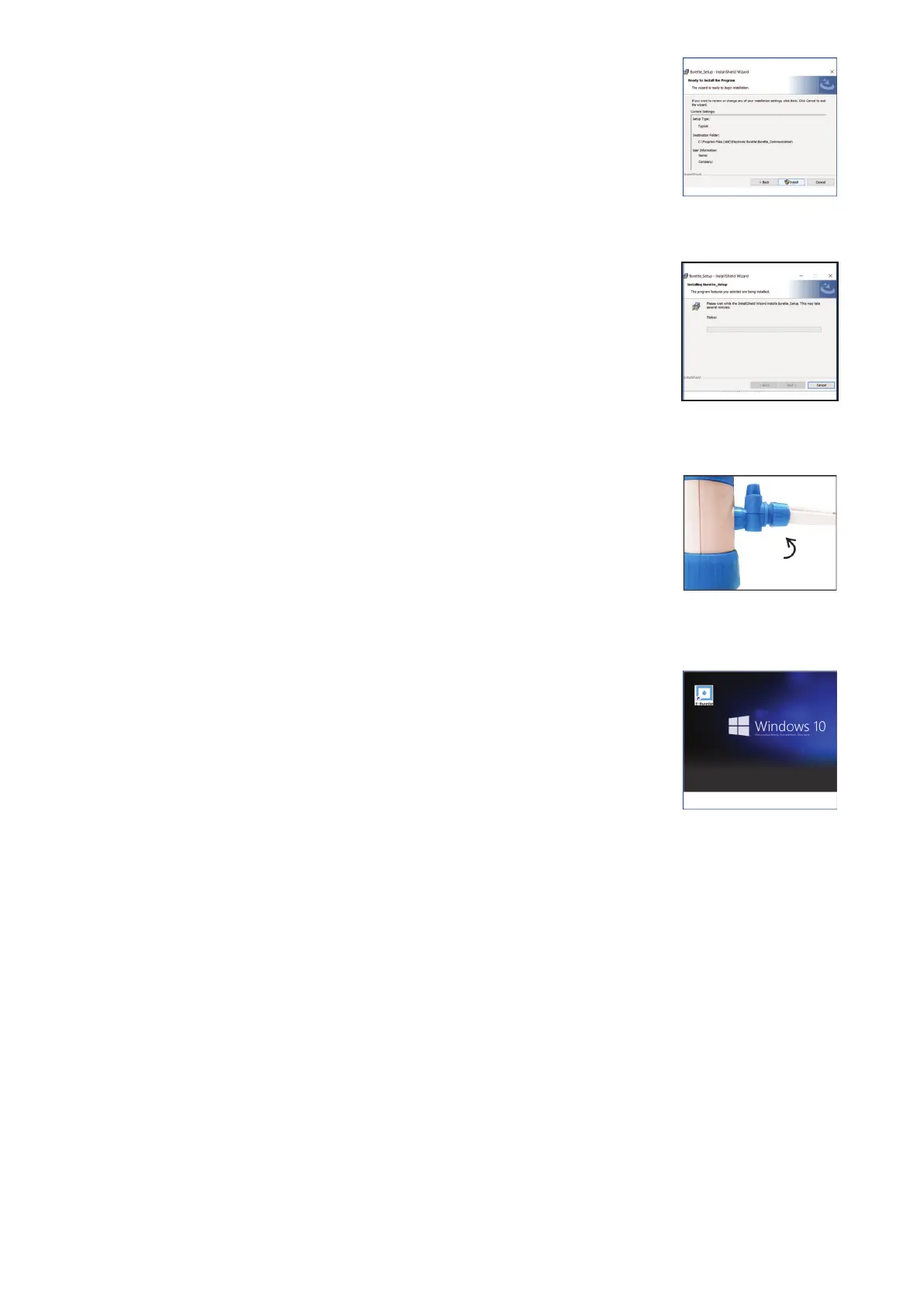
4. Click Install for the ready to install program window.
(Fig. 22)
6. Click Finish for the Install Shield Wizard completion window.
(Fig. 24)
7. Communication icon will then appear on the desktop.
(Fig. 25)
Intended Use
VWR E-BURETTE is a state-of-the-art Motor Operated Burette with sophisticated features and
functionality. It is intended for use in laboratories and the field for easy, safe and accurate
titrations.
11 vwr.com I Instruction manual VWR
®
E-Burette
Fig. 22
Fig. 23
Fig. 24
Fig. 25
5. Click Next for the user account control window.
(Fig. 23)








 To Next Page