Package Contents
Description Quantity
E-Burette-50 ml
1
Telescopic tube 1
Control Panel 1
Bottle Adapters 5
Dispenser Thread Reducer 1
Charging AC Adaptor 1
Control Panel Stylus 1
USB Drive for Software & Driver 1
Mini USB Cable 1
Extra Amber Colored Window 1
14.4 V Li-ion Rechargeable Battery 1
Calibration Certificate 1
Operation Manual
1
Unpacking
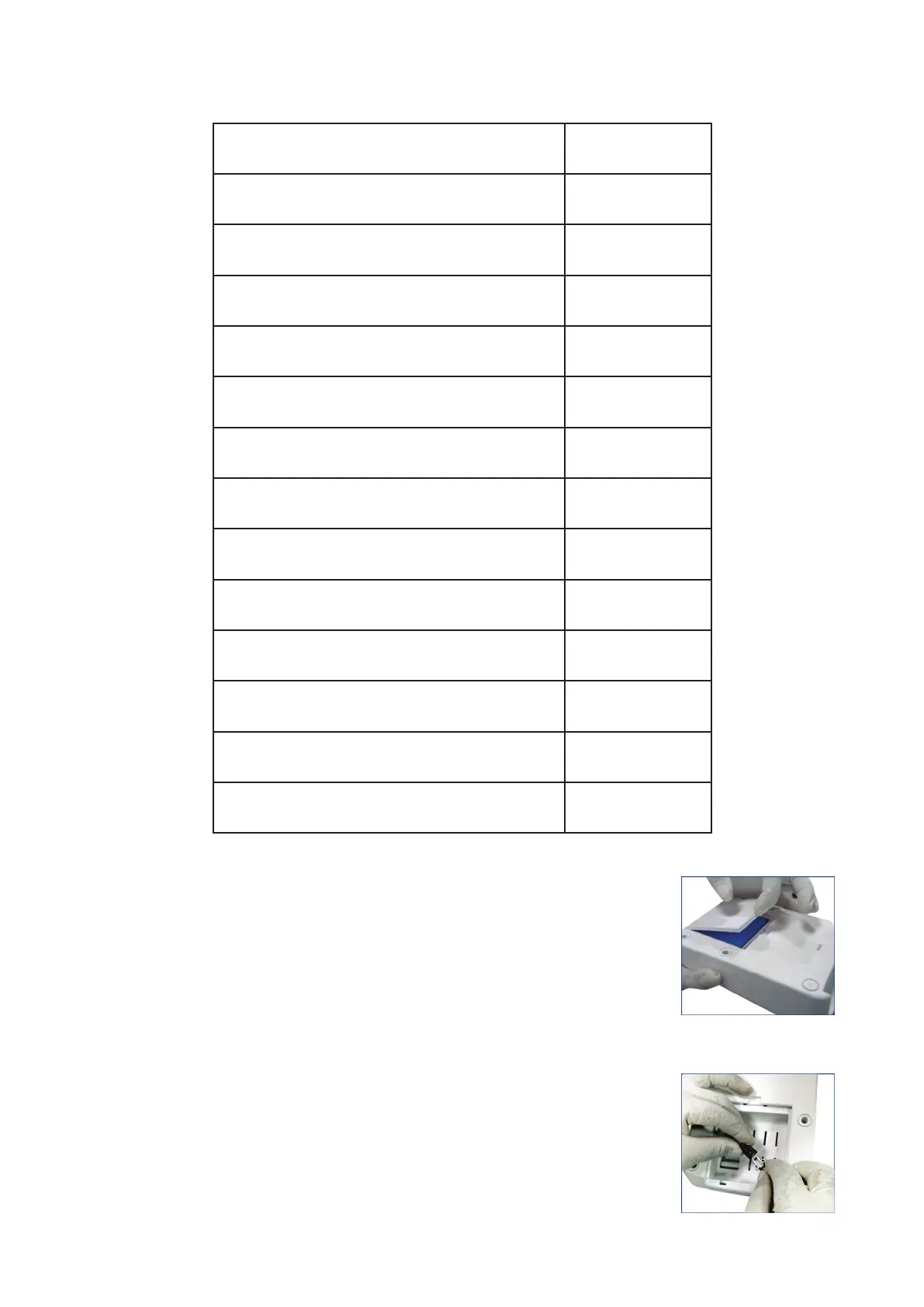
● Connecting the batteries
1. Open the battery panel at the back of the control panel.
(Fig. 1)
2. Connect the batteries to the panel wire by inserting
the battery connector into the panel connector firmly.
It locks with a ‘click’ sound.
(Fig. 2)
Fig. 1
Fig. 2
5 vwr.com I Instruction manual VWR
®
E-Burette








 To Next Page