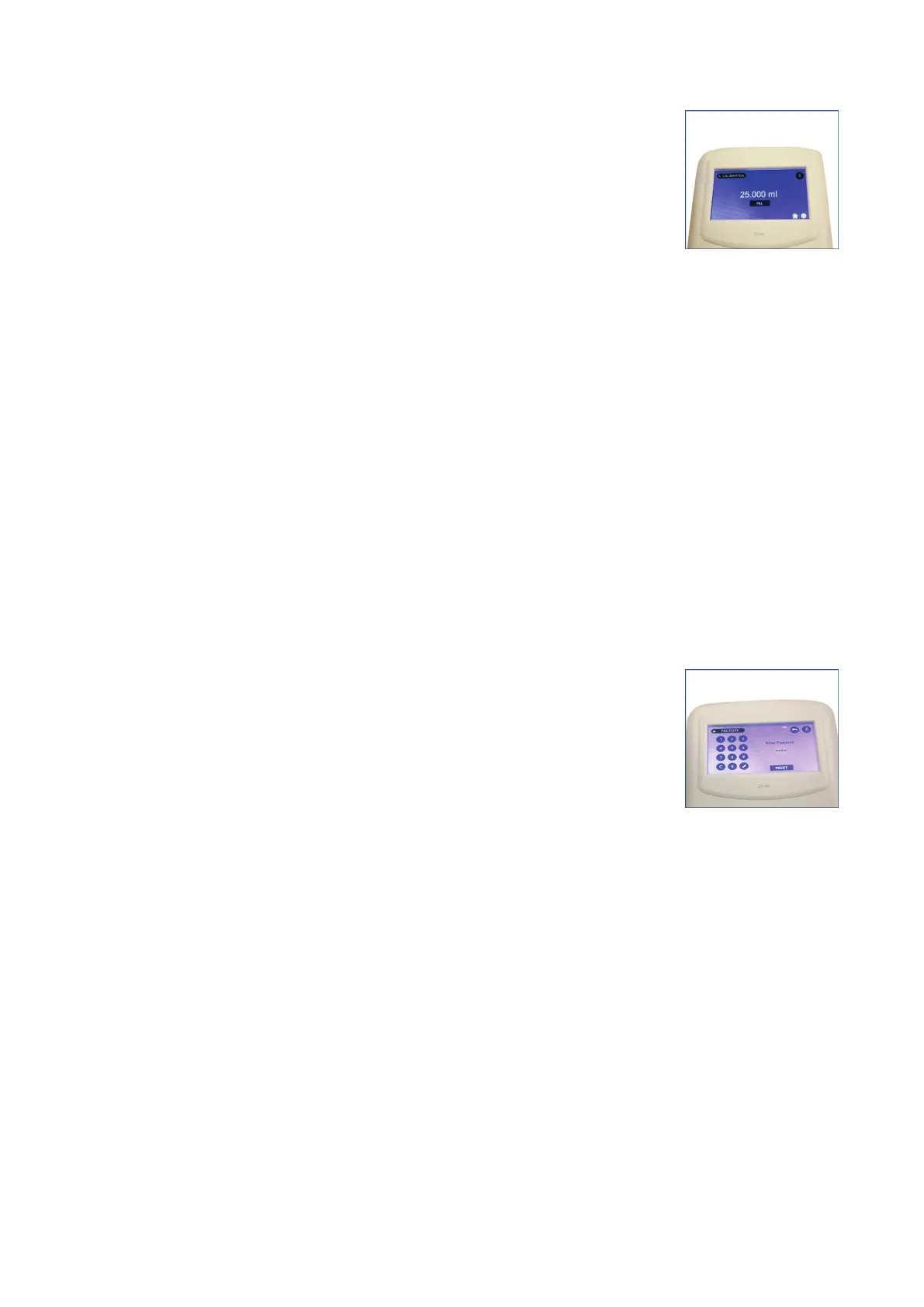
4. Dispense the filled liquid by clicking on the DISPENSE button on the calibration screen of
the control panel.
(Fig. 67)
5. Measure the dispensed liquid on a balance and enter the value in mg using the provided
electronic keyboard. Click the tick mark (✓) to proceed.
Note: CAL label will start appearing on top of all screens.
6. Repeat this procedure until the nominal volume is achieved on the electronic balance.
Factory Reset
● The factory reset is for the Manufacturer factory settings which
is password protected and intended to be used at the maufacturing
facility.
(Fig. 68)
● If the reset button is pressed, the user calibrated settings shall be reset with the default
factory settings & the CAL label will disappear from the screens.
Fig. 67
Fig. 68
27 vwr.com I Instruction manual VWR
®
E-Burette








 To Next Page