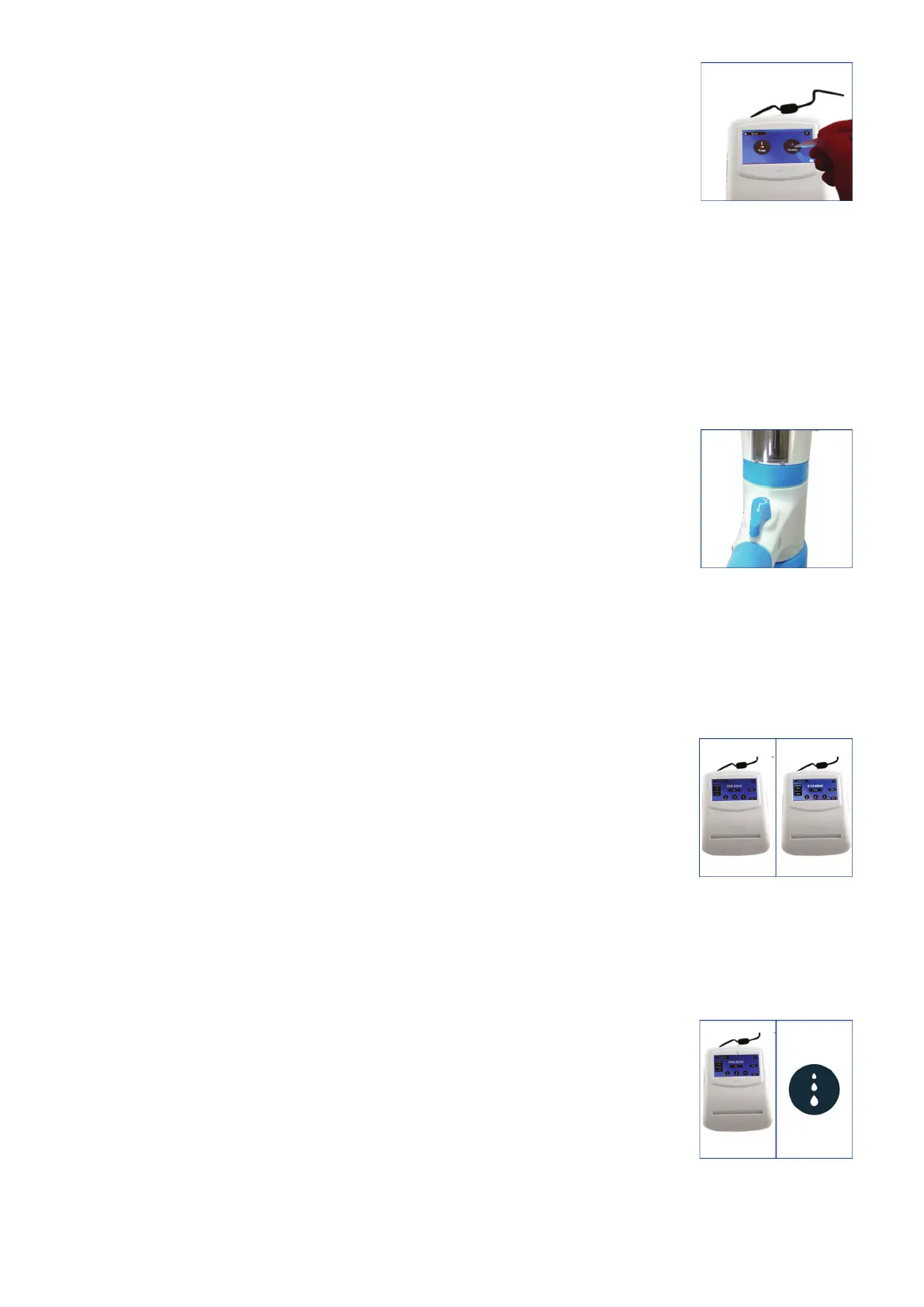
2. Click on the Titration mode on the home screen.
(Fig. 39)
3. The screen on the control panel will warn the user to turn the knob to titration mode.
4. Turn the knob clockwise to set at titration mode and click the tick ( ✓ )
mark on the screen of the control panel when ready.
(Fig. 40)
5. Place the discharge tube orifice against the inner wall of a suitable receiving vessel.
6. Now fill the barrel from the titration screen by clicking the FILL
button (Fig. 41 - left part). By pressing the STOP button, the filling
volume can be stopped as and when you need to.
(Fig. 41 - right part)
7. Three dispensing speeds are provided, including drop-wise dispensing, which allows the user
to achieve the end point very accurately.
● Fast mode
In this mode, the dispensing speed is 3.8 ml/sec.
(Fig. 42)
Fig. 39
Fig. 40
Fig. 41
Fig. 42
19 vwr.com I Instruction manual VWR
®
E-Burette








 To Next Page