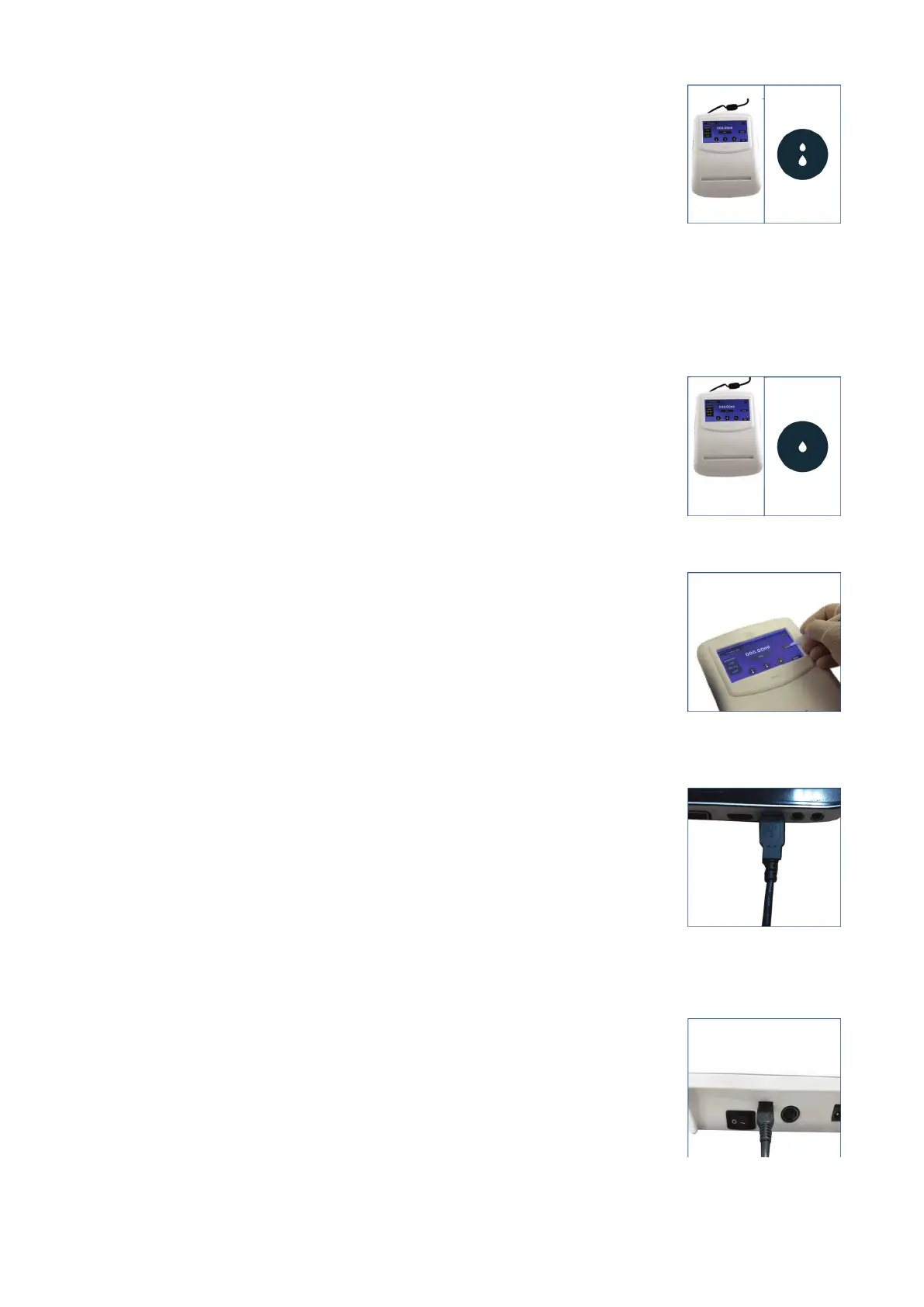
● Medium mode
In this mode, the dispensing speed is 1.3 ml/sec
(Fig. 43)
● Dropwise mode
In this mode, the dispensing speed is 0.010 ml/click (Fig. 44)
8. Dispensing can be performed by touching the screen and stops
immediately when the touch is removed.
9. Press the TARE button to reset to Zero & repeat.
(Fig. 45)
Data Transfer Setup
● Connecting the USB Mini Cable
1. Connect the Mini USB cable from the control panel to your
PC/Laptop for transferring and storing the control panel’s data on
the latter. (Fig. 46)
2. Insert the wider end of the USB cable in the USB port of the
PC/Laptop and the smaller end at the back of the control panel.
(Fig. 47)
Fig. 43
Fig. 44
Fig. 45
Fig. 47
Fig. 46
20 vwr.com I Instruction manual VWR
®
E-Burette








 To Next Page