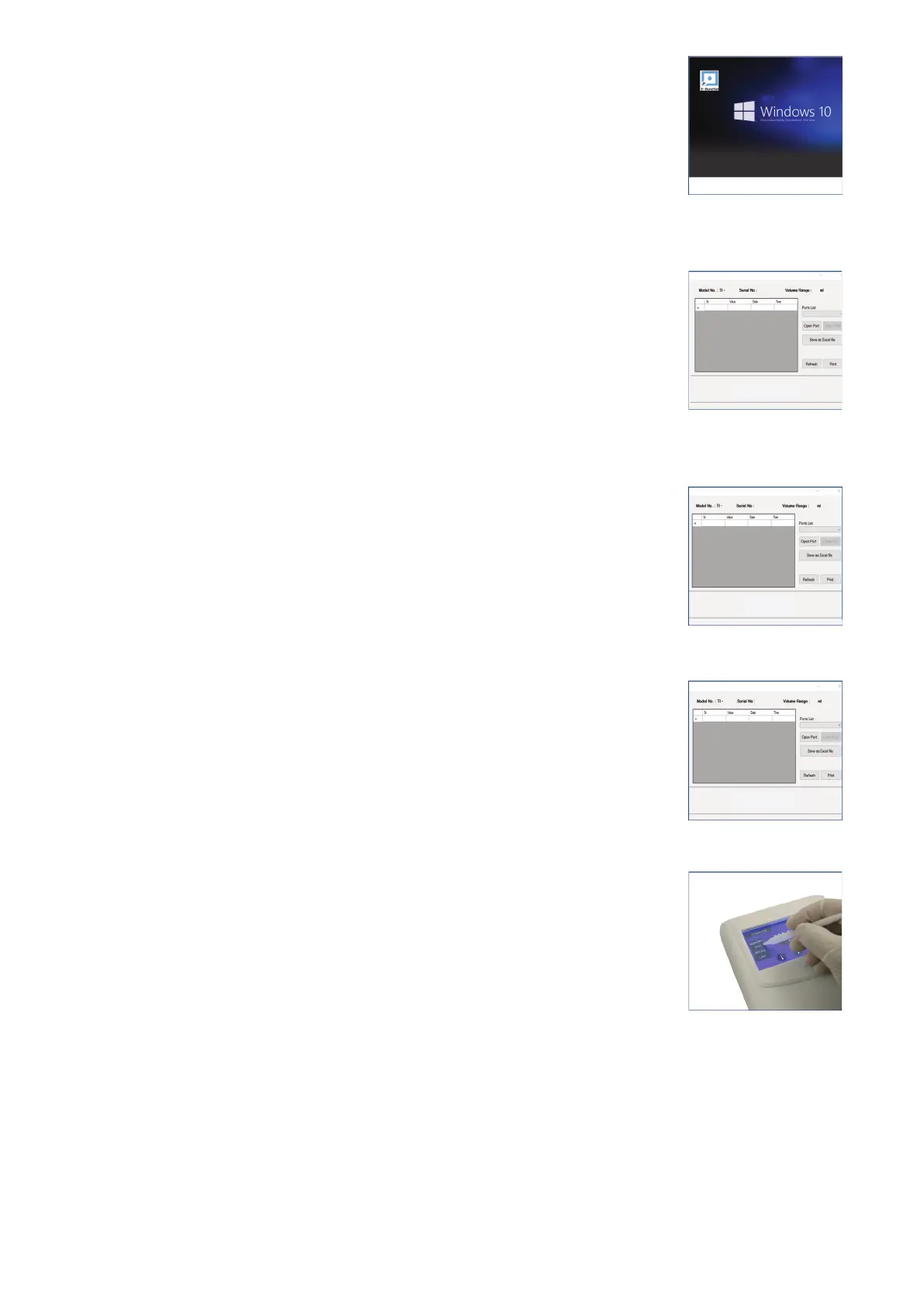
● Software Initialization
1. Double click on the Communication icon to run the software.
(Fig. 48)
2. From the Ports List button, select the port from the drop down menu.
(Fig.49)
3. Click on OPEN PORT.
(Fig. 50)
4. The window will capture the model number, serial number and the
volume range of the E-BURETTE.
(Fig.51)
5. Click ADD from the control panel to save the readings from the
control panel to the PC/Laptop.
(Fig. 52)
Note:
The ADD button shall blink and the data shall be transferred to the
PC/Laptop.
Fig. 48
Fig. 49
Fig. 50
Fig. 51
Fig. 52
21 vwr.com I Instruction manual VWR
®
E-Burette








 To Next Page