6. The readings will also be saved in the internal memory. Please note that all fields are
captured in the file.
Memory
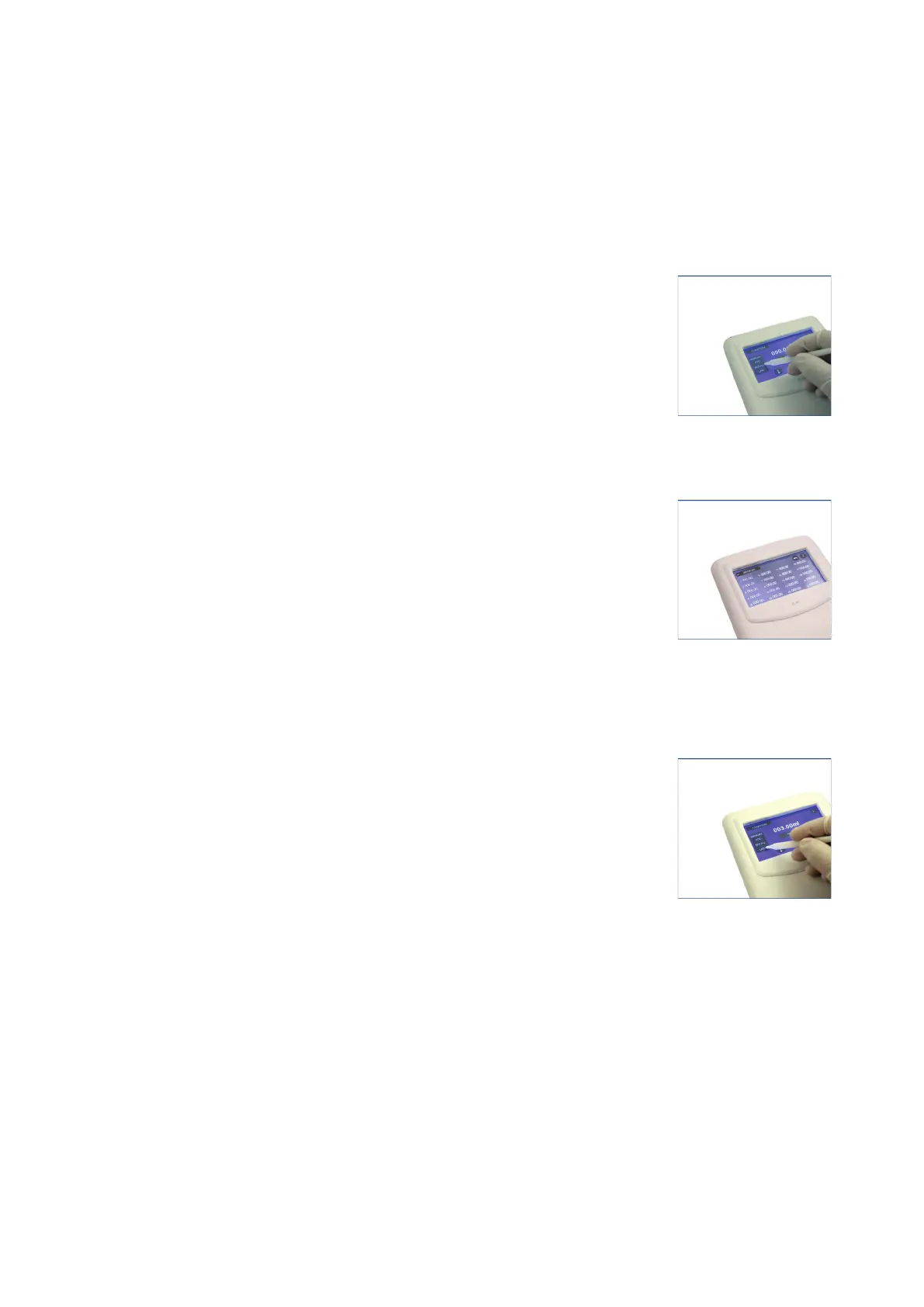
1. Click ADD from the control panel to save the readings from the control panel to the
internal memory.
2. To recall the previous recorded reading (s), press the RECALL
button.
(Fig. 53)
3. Please note that the recall grid displays the last 20 recorded
readings. The LAST saved reading will be displayed on the number
1 position of the table.
(Fig. 54)
4. For quick recall of the last reading, press the LAST button.
(Fig. 55)
Please note that the last saved readings will be displayed till the
time LAST button is pressed.
Fig. 53
Fig. 54
Fig. 55
22 vwr.com I Instruction manual VWR
®
E-Burette








 To Next Page