Format Internal Memory Format the internal memory of the spectrophotometer.
Format USB Memory Format the USB mass storage.
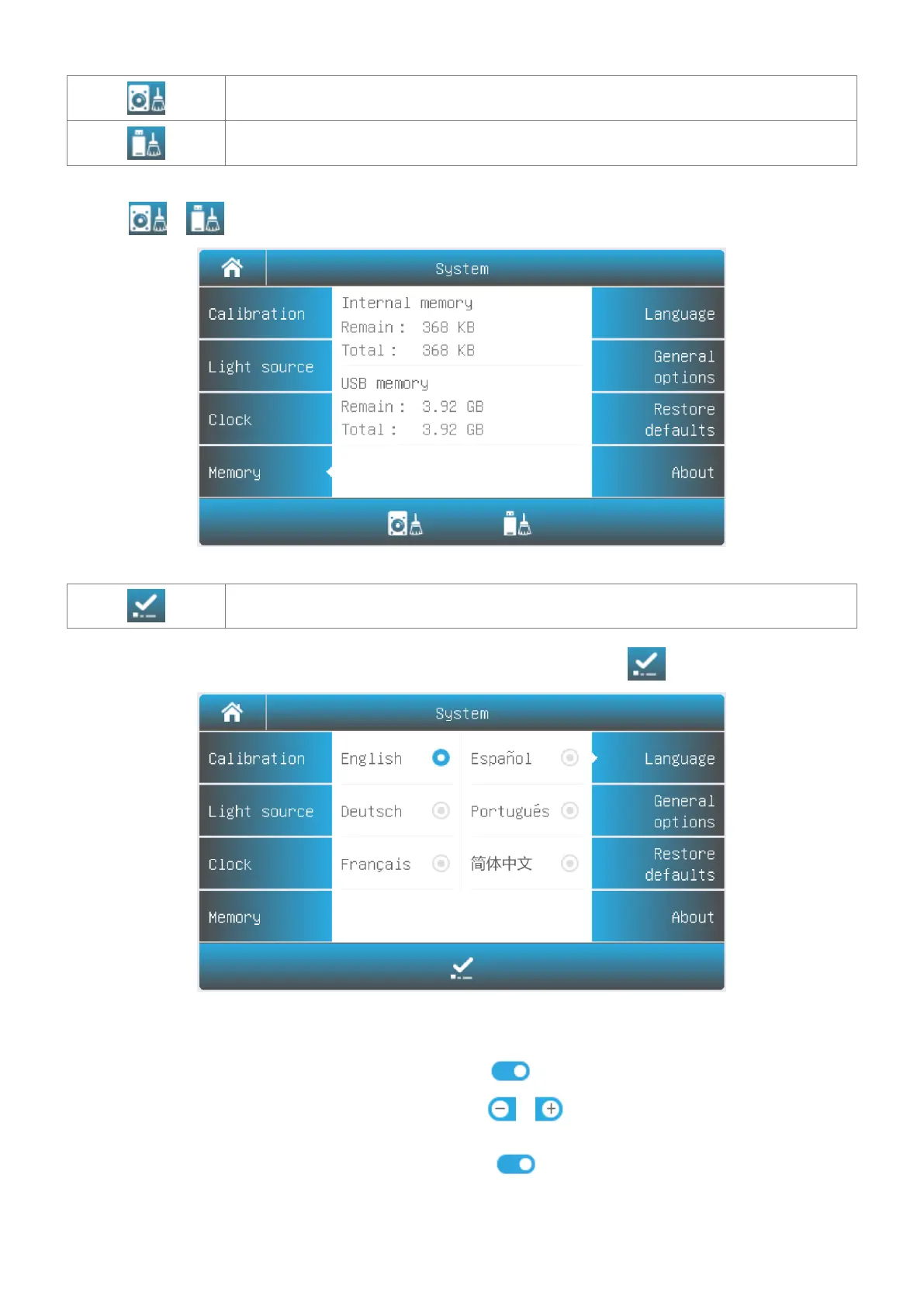
Select Tab Memory in the System interface. The use of the internal and USB memory (If inserted) are show. Press
the icon / to format internal memory/USB memory.
Language Selection
Accept Accept the new language.
Select Tab Language in the System interface. Select a language, press the icon to change.
General Options
Select Tab General Options in the System interface.
Press the icon to turn on/off the beep.
Press the icon / to decrease/increase the brightness of
the LCD display.
Press the icon to turn on/off. If turned on, the display will
close automatically if no operation for 30 minutes.
If you have a new automatic sample holder installed, you need to set



 To Next Page