35
Click Main Menu→Curve Operate→Choose the curve as you like.
Change the Color of Current Spectrum
Click Main Menu→Curve Operate→Choose the color as you like.
Search Peaks
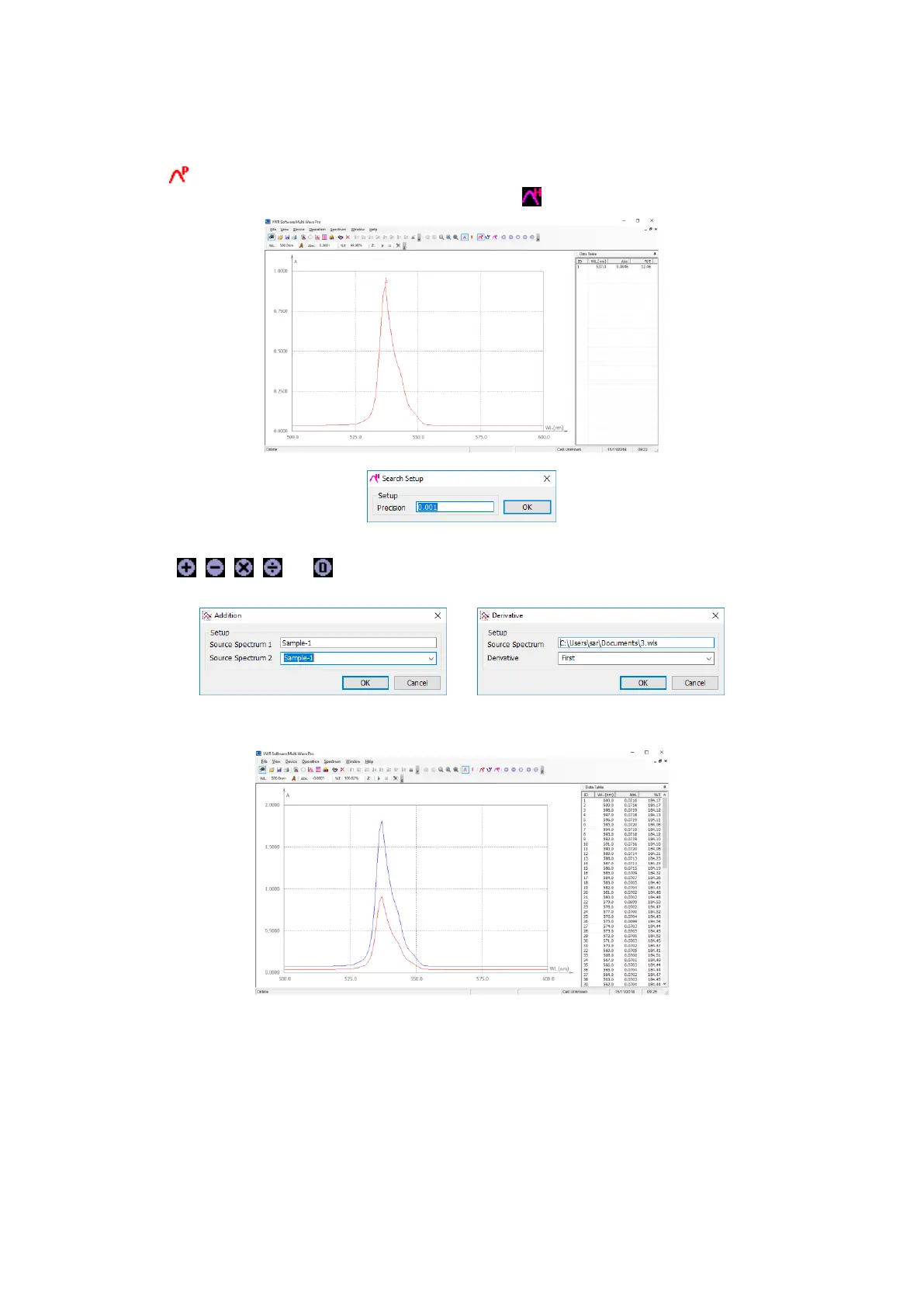
Click the icon in Tools Bar to search the peaks, they labeled automatically on the curve, and the peaks will be
listed in the Right Frame. You can set the Peak height by clicking icon.
Mathematics Function
Click the icons or in the Tools Bar, a new dialog box will display on the screen respectively.
You can add, subtract, multiply or divide two spectrums.



 To Next Page