Accessing and customizing your device
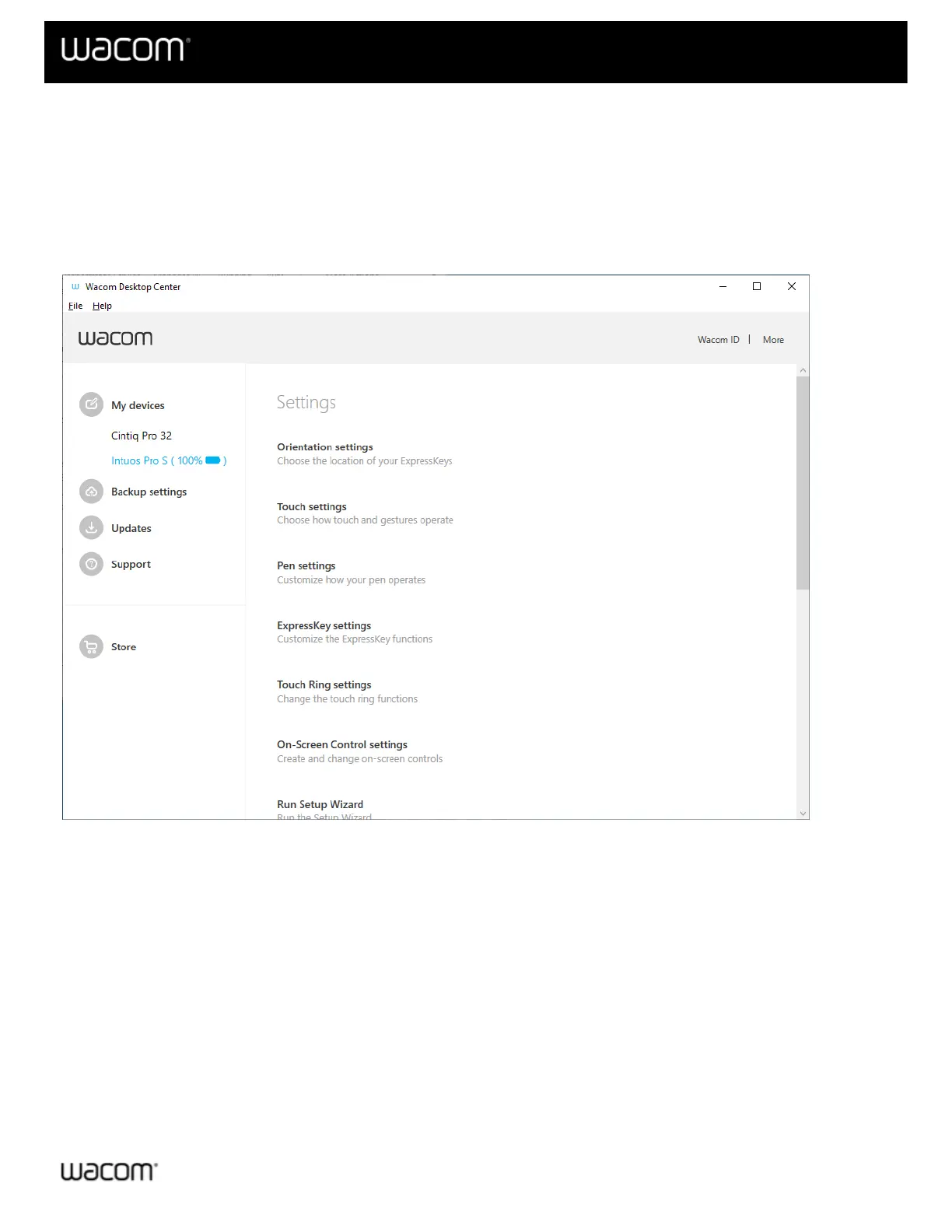
Clicking on My Devices in the Wacom Desktop Center main menu will display the supported Wacom device(s)
connected to your computer (please note that the Wacom Desktop Center does not support Wacom's Business
Solutions devices).
Clicking on a device name opens up the Software (if applicable), Settings, and Documentation sections for that
device on the right side of the Wacom Desktop Center screen.
The above screenshot is for descriptive purposes; it may not match your screen.
Viewing the device's serial number
From the Wacom Desktop Center screen, click on My Devices to view the Serial Number associated with each
supported Wacom device connected to your computer.
Redeeming Software
1. In the Wacom Desktop Center, click on the name of the device.
2. If there is free, bundled software available for your device, a Software section will display in the Wacom
Desktop Center along with a Redeem your software link.
3. Click Redeem your software and then register your product to receive the included software.
Customizing your device settings












 To Next Page