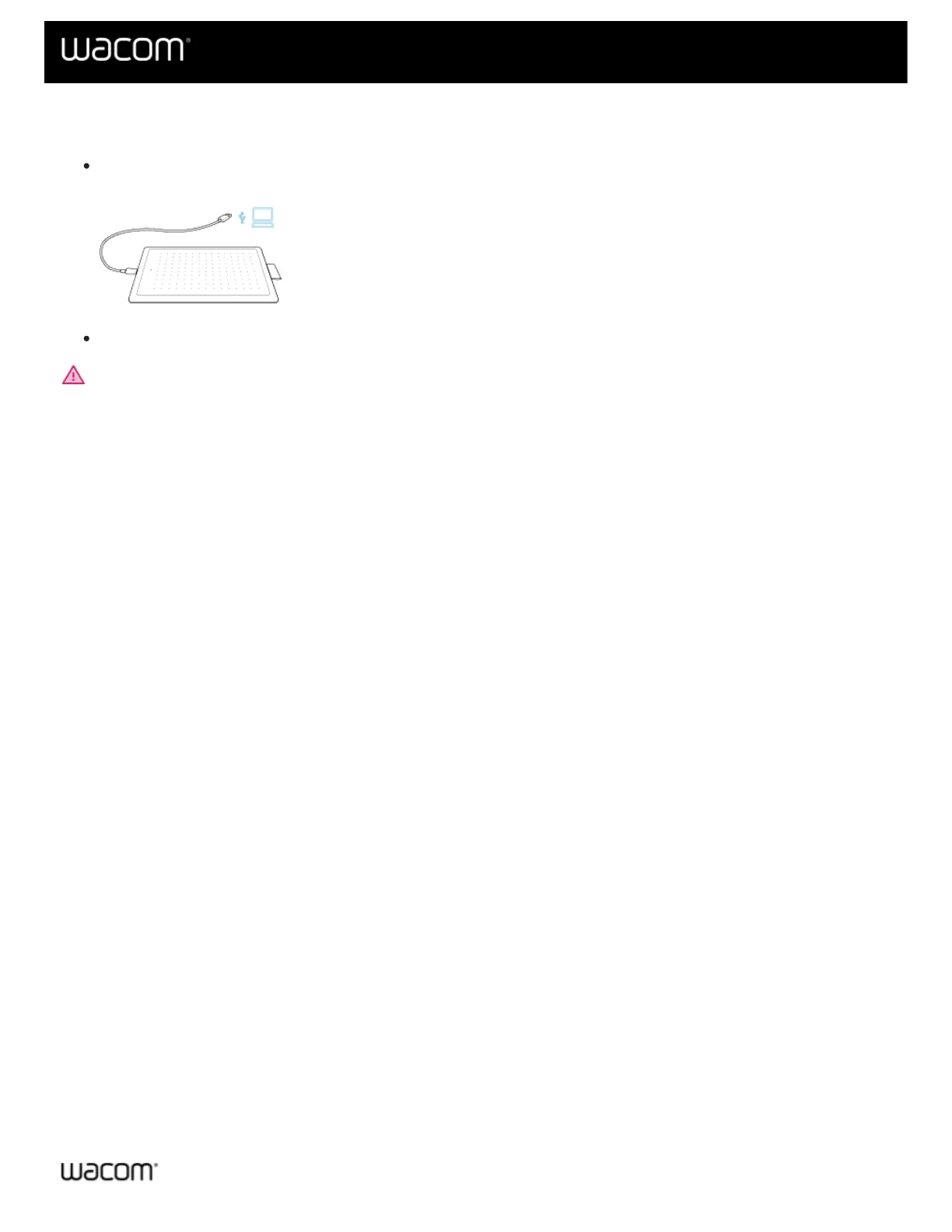
Connect to your computer
Connect your tablet to your computer by the USB cable included with your device.
Install the driver and start using your tablet.
WARNING: Make sure to use the USB cable included with your pen tablet. Other cables are not compatible and
may damage it. To purchase replacement cables, go to the Wacom Store.
| Cookies | Terms of use | Privacy Policy | California Privacy












 To Next Page