49
PXM
OPERATING AND ASSEMBLY MANUAL
VERSION 08/2015 ORDER NUMBER DOC2350372
7.4 SET LANGUAGE
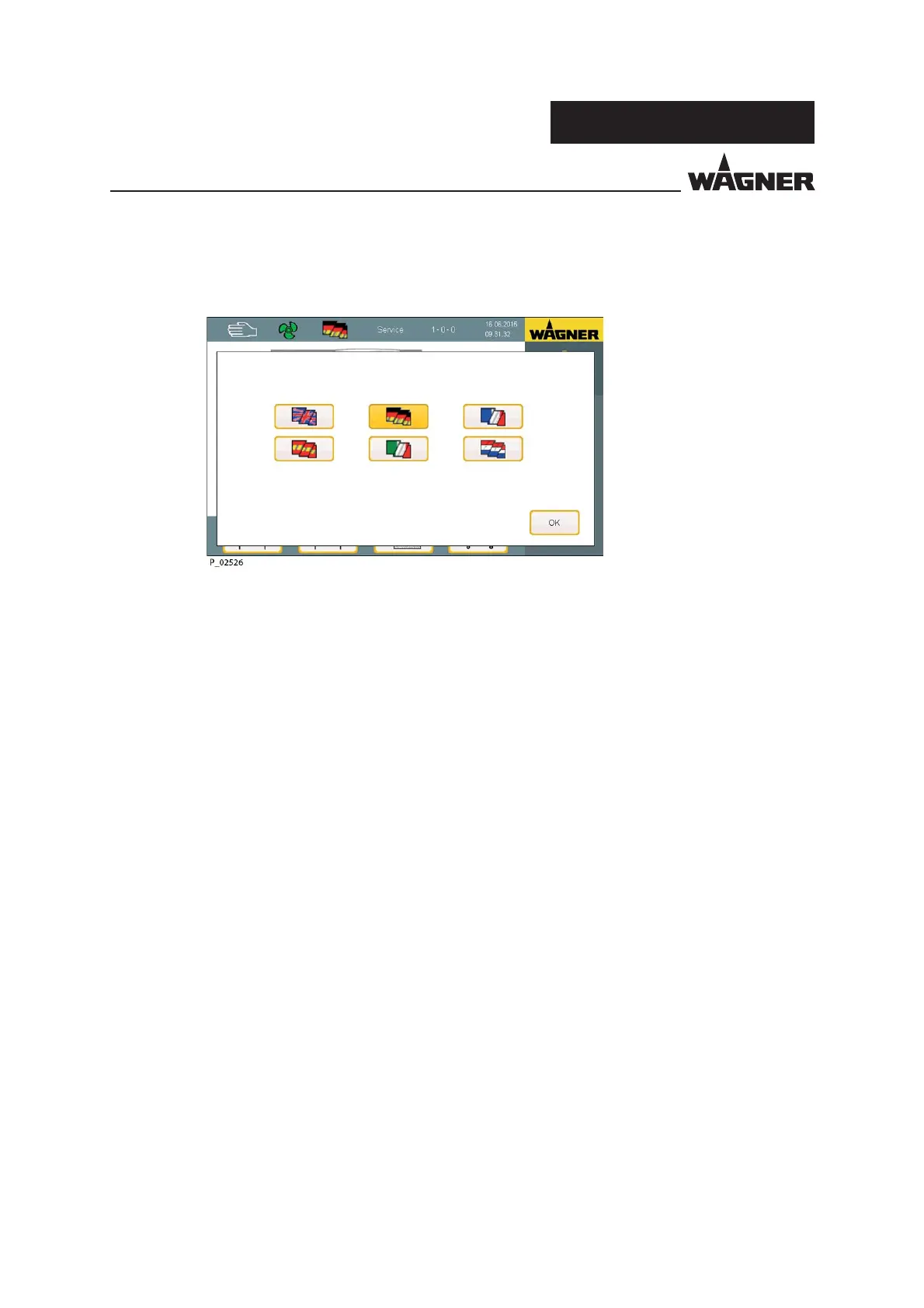
1. Tap "Flag" button in the information bar.
The depicted screen appears.
2. Select the desired language by tapping on the corresponding ag button.
The screen is now displayed in the selected language.
Language


 To Next Page
 Loading...