CHAPTER 4 DESCRIPTION OF KEYBOARD FUNCTIONS
4 Description of the eight Keyboard Functions
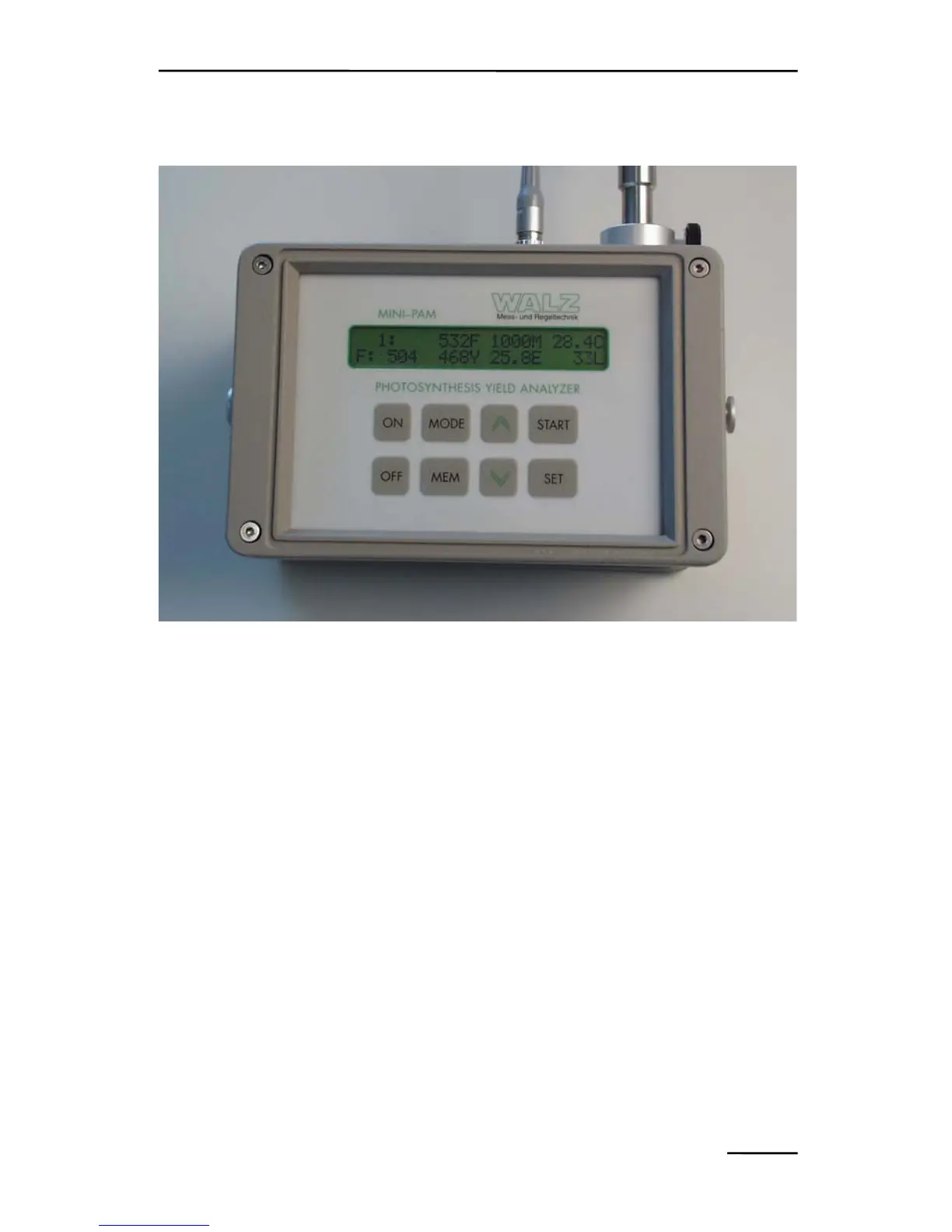
Fig. 1: Photosynthesis Yield Analyzer MINI-PAM
4.1 Single key operations
ON To switch MINI-PAM on (short pressing of the key).
To activate the backlighting of the display (switches
automatically off when no key operation for 50 s; power
saving for field use); requires 3 s pressing of the key.
OFF To switch MINI-PAM off; will occur automatically, if no
key operation for 4 min (power saving for field use), unless
disabled via menu point 10.
MODE To return to MODE-menu after using the MEM- or SET-
keys.
7



 To Next Page