20 Owner’s Manual
Wanco® Metro™ Message Sign
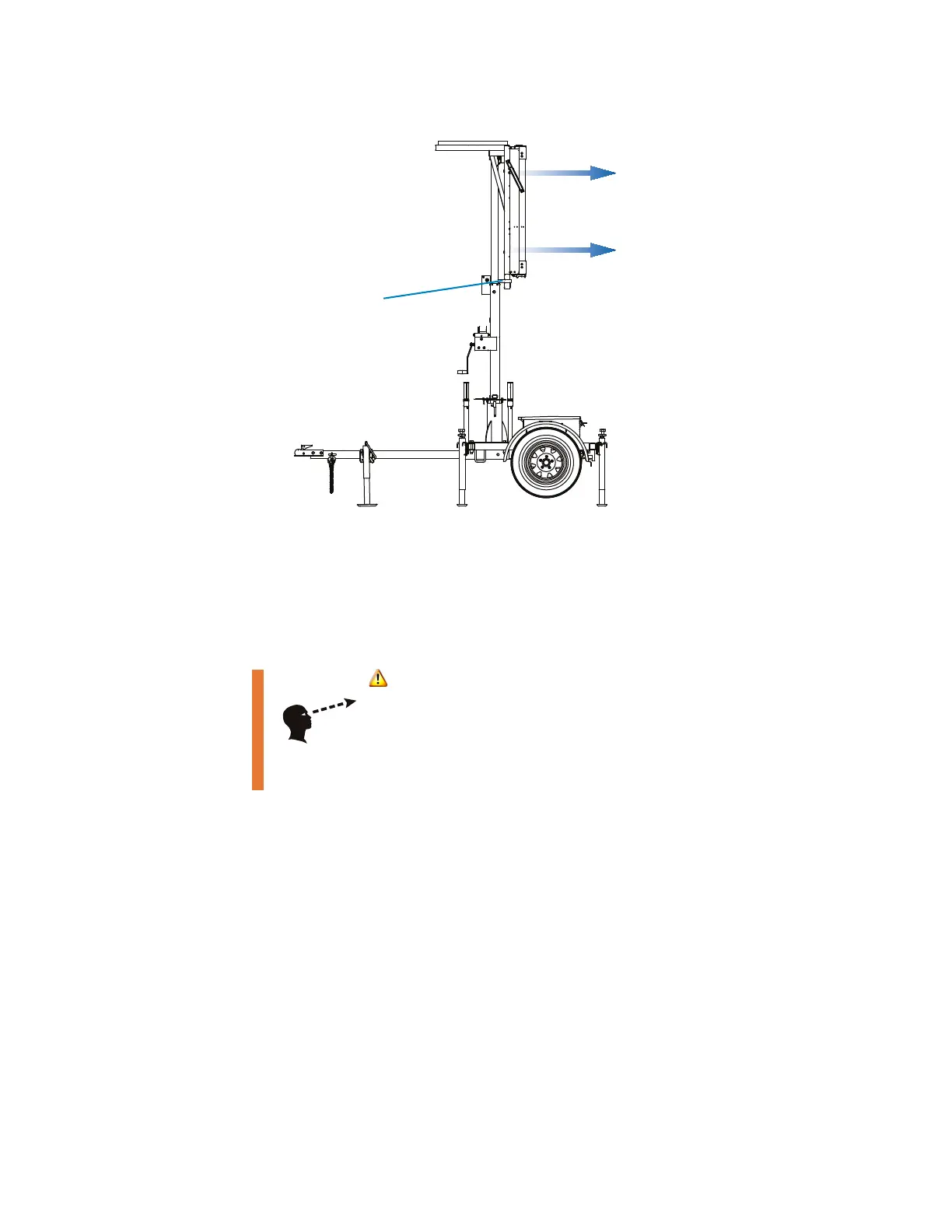
Figure 4-5. Sight-tube
4.4.4 Using the controller
The message sign is equipped with a controller, located inside the battery box. The
controller provides access to all sign functions, including configuration, status, and
diagnostics. For additional information and instructions, see the controller user-
interface manual.
4.4.5 Batteries
To ensure battery health, follow these requirements:
■ Do not allow batteries to fully discharge.
■ Ensure batteries are fully charged before using the message sign.
■ Charge batteries after each period of use, before putting the message sign into
temporary or long-term storage.
■ Power to the message sign is on at all times, and can only be stopped when the
batteries are disconnected. Therefore, it is important to “blank” the message sign when
it is not in use. (For instructions, see the controller user-interface manual.)
■ For an overview of the message sign power system, see Section 6.3.1, page 40.
■ For battery charging information, see Section 6.3.3, page 40.
WARNING
Improper sign display could cause a traffic accident
resulting in severe injury or death.
Visually inspect the message sign to ensure the correct
message is displayed.
Sight-tube
The sight-tube points the same direction
as the message sign display panel.
Look through the tube and point the
sign toward traffic.



 To Next Page