34 Owner’s Manual
Wanco® Metro™ Message Sign
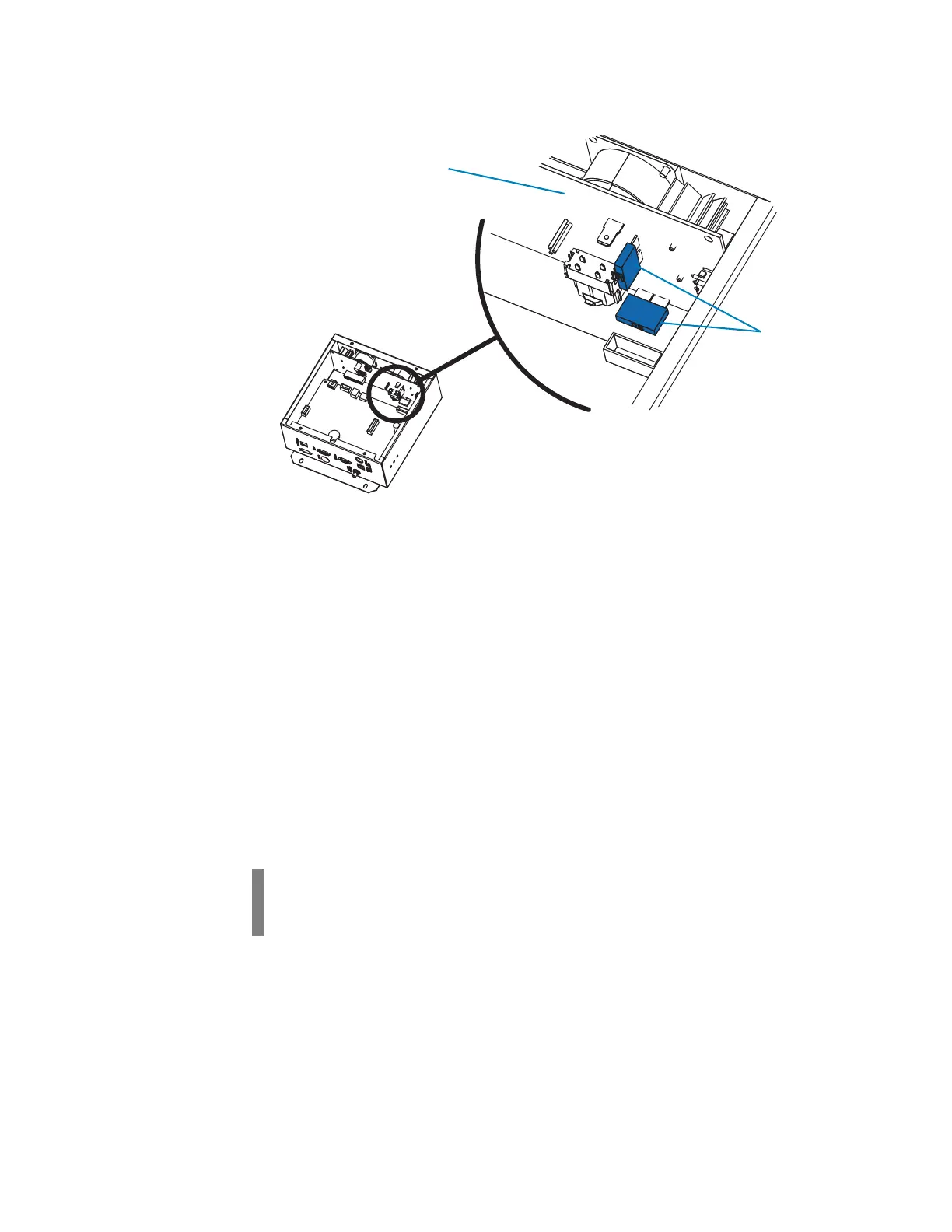
Figure 5-3. Fuses on the power board
5.7 Radar
5.7.1 Before troubleshooting radar
Radar is powered by the message sign power system and controlled by the message
sign computer.
■ If the message sign power is off and all the status LEDs on the top of the computer box
are off, see Section 5.6, page 33, for troubleshooting.
■ If the message sign is operating properly and some status LEDs are on, but the radar
LED is off and the radar is not functioning, see Section 5.7.2.
Radar is optional, auxiliary equipment that may not be included with your message
sign (see Section 4.5.2, page 21).
5.7.2 Radar troubleshooting procedure
To troubleshoot radar:
1. Use the controller to access the radar configuration screen. Verify the radar power is
configured as “ON” and other radar settings are as expected.
2. Access the LED/switch board, which is attached to the underside of the computer box
cover, and ensure the cable connections and wiring are proper, secure, and
undamaged (see Figure 5-4). Repair or replace if necessary.
IMPORTANT!
After each step in the following procedure, check the radar status LED on the top of the
computer box. When the LED is on or blinking, the radar is functioning properly.



 To Next Page