Owner’s Manual 47
Wanco® Metro™ Message Sign
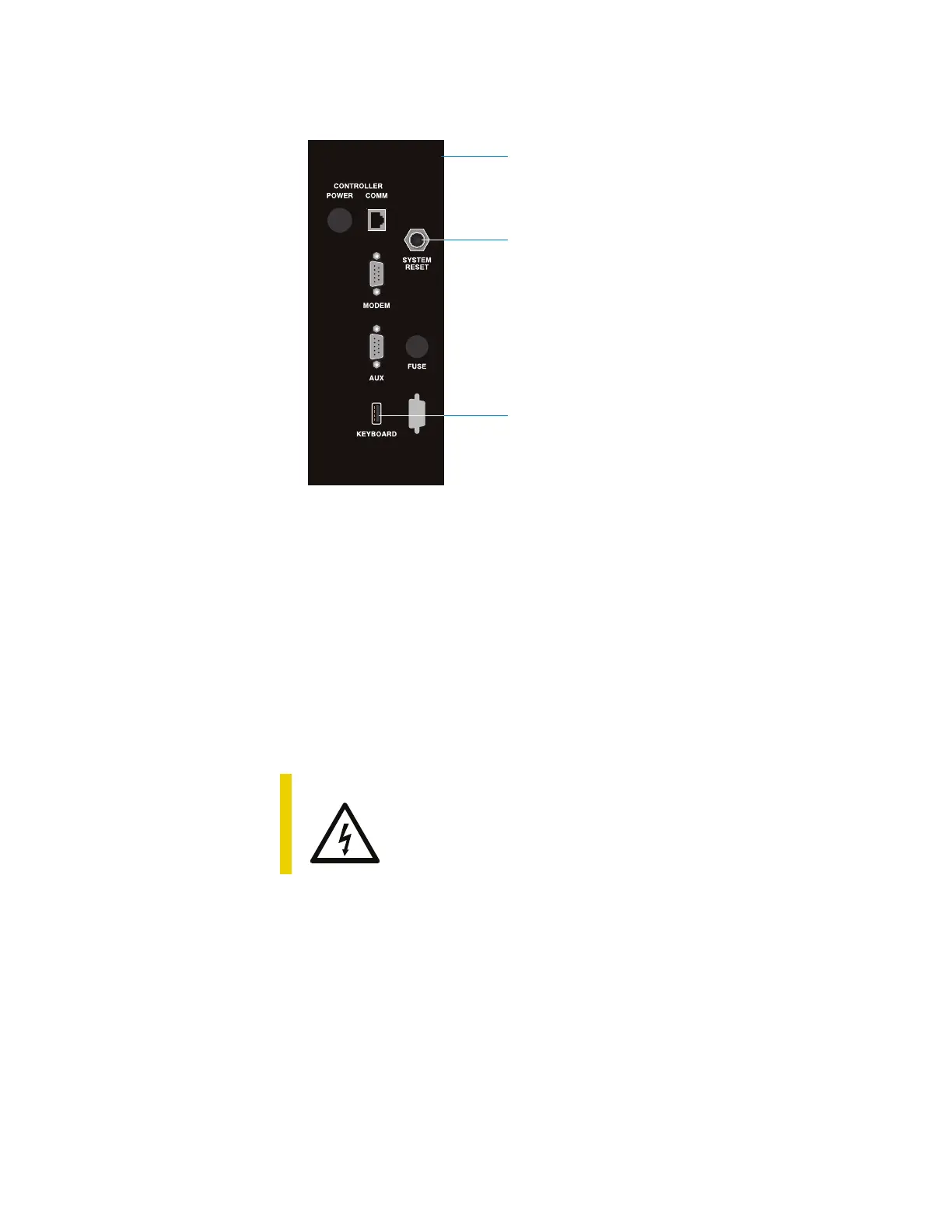
Figure 6-1. Reset button and USB port on computer box
6.6 Storing the message sign
Before storing the message sign, take the following steps to prevent damage to
electrical components:
1. Observe battery safety precautions (see “Safety” on page 41).
2. Disconnect power cable from computer box, which is located inside the battery box.
3. Disconnect message sign cable from computer box.
4. If storing for more than a month without active solar charging, disconnect the cable
from the negative (–) battery terminal.
CAUTION
Voltage surge could damage control circuits.
Before disconnecting battery cable, ensure power cable is
disconnected from computer box.
System Reset button
USB port
Side of computer box



 To Next Page