Owner’s Manual 37
Wanco® Metro™ Message Sign
6 Maintenance
6.1 Periodic maintenance
When performing any maintenance on the system, follow the safety requirements in
Section 2, page 3.
Repair or replace worn and damaged components immediately. Never use any
equipment that is damaged or in need of repair.
Perform the following maintenance regularly:
■ The message sign display comprises a matrix of display modules with sets of LEDs that
light up to display messages on the sign.
Before using the sign, ALWAYS check the display modules for proper operation.
Replacement modules are available from the factory (Section 1.4, “Where to obtain
service,” page 2).
■ At least once a week, check the display cabinet window for cleanliness and cracks.
Clean or replace window when necessary.
■ All components in the battery box will operate more efficiently and have a longer
lifespan if they are free of dirt and dust. Keep the interior of the battery box and
components inside the battery box clean. Observe battery safety requirements when
working on or around batteries (see “Safety” on page 41).
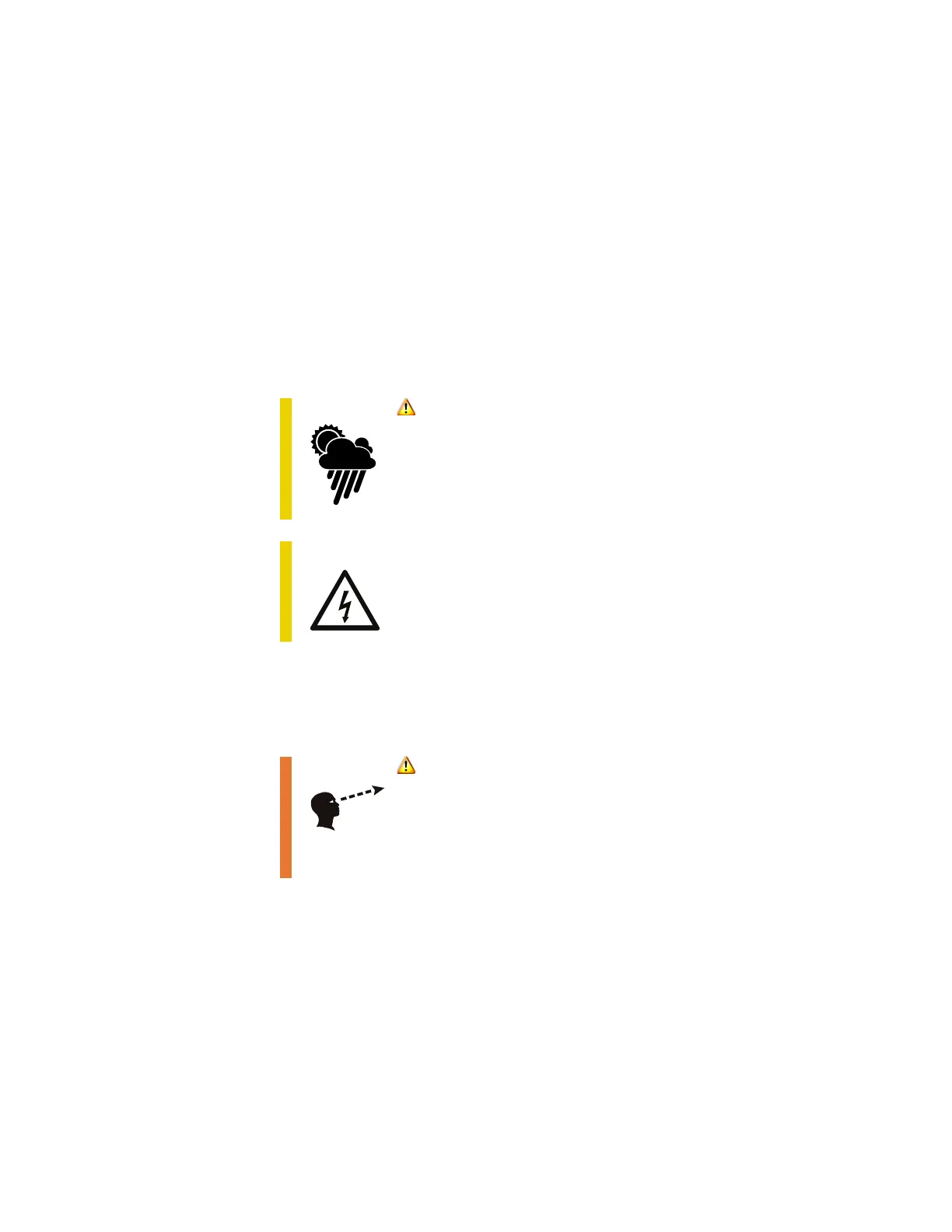
CAUTION
During maintenance, adverse weather conditions can
cause equipment damage and injury.
Whenever possible, perform maintenance indoors or in
calm, dry weather.
CAUTION
Voltage surge could damage control circuits.
Before servicing electrical components, disconnect power
cable from computer box.
WARNING
If the message sign is not working properly, a traffic
accident could occur, resulting in serious injury or
death.
Verify all display modules are functioning properly.



 To Next Page