AFTER SALES SUPPORT
86-571-23290996
support@wanhao3dprinter.com
Model : Duplicator 8 MARK I
13
2.3
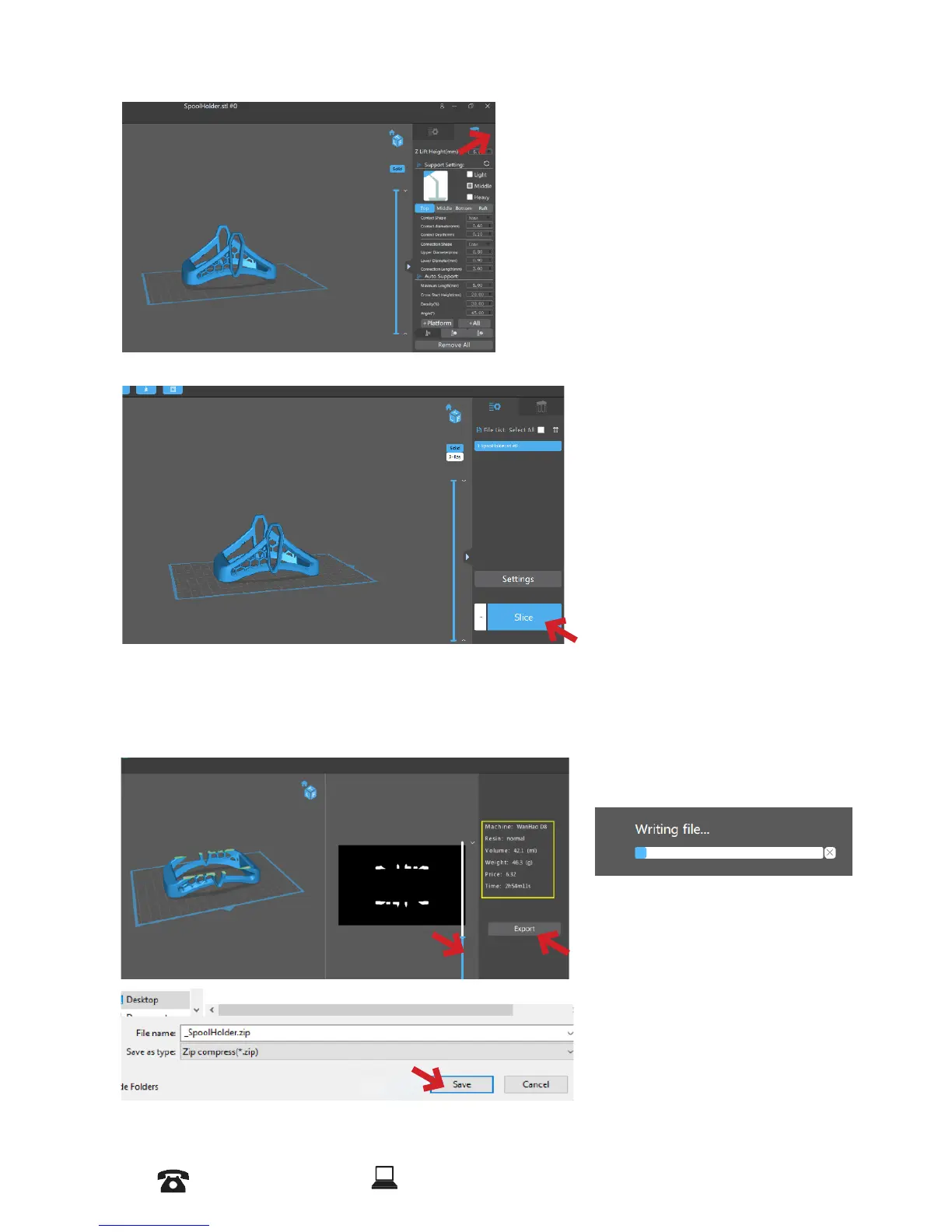
In this bar you can add supports automatically and manually to your model.
3.1
After you ensure the setting click on Slice
.
3.2
In the Slicing process you can see the printing time and other information about the
model. You can also slide the slider to up and down and see the layers of the model you
are going to print.
Click on Export and save the le as a Zip le.
Slicer starts to write
and save the le.














 To Next Page