AFTER SALES SUPPORT
86-571-23290996
support@wanhao3dprinter.com
Model : Duplicator 8 MARK I
14
4.1
Printing by USB
4.1.1
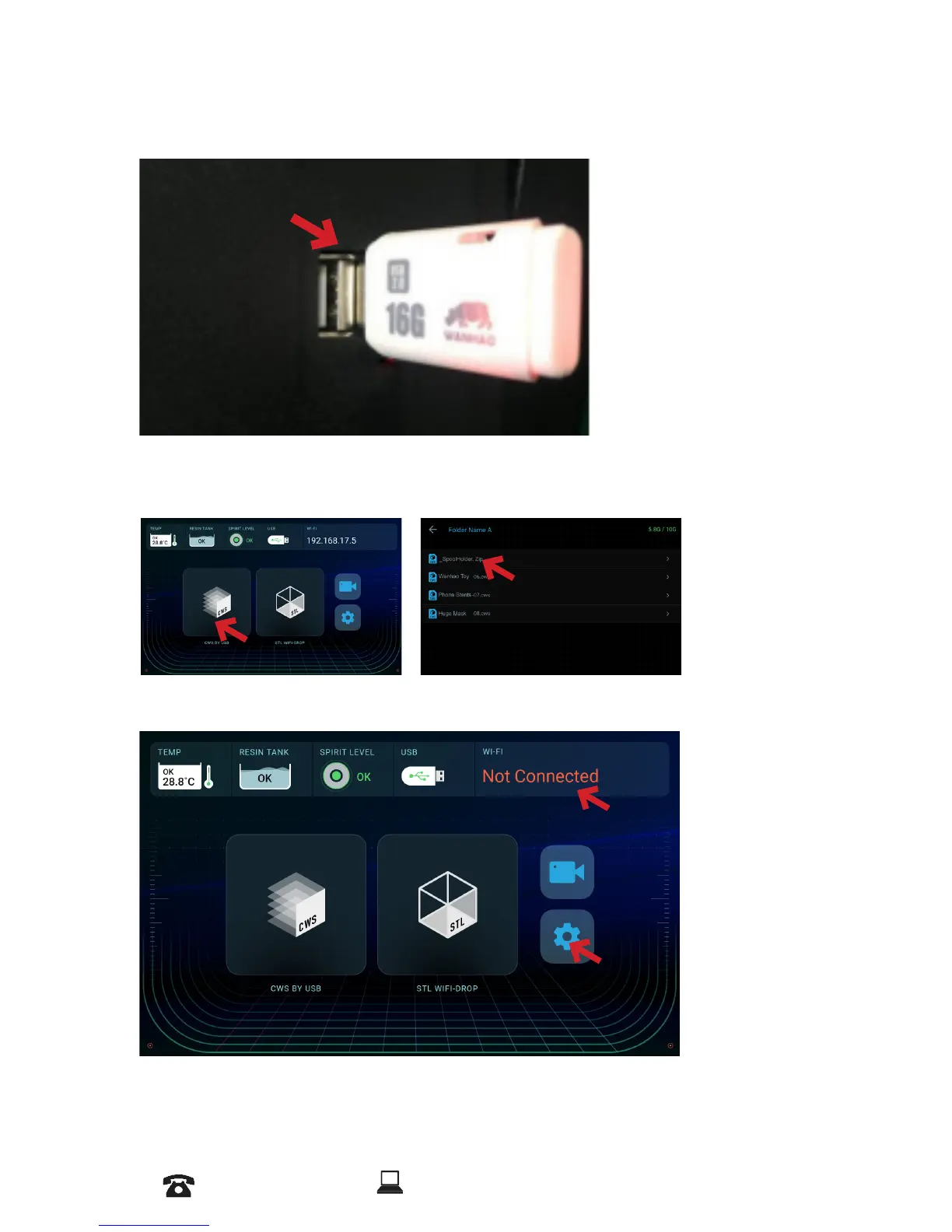
After slicing process copy the sliced model into the USB memory that comes with
printer or any other USB memory that your prefer to place the le in.
4.1.2
In the Home Screen press on CWS BY USB, Choose the Sliced le press on Print
Now, Printer starts to load the model and lower the building platform and the printing
process begins.
4.2
Printing by WIFI
4.2.1
Insert the Dongle














 To Next Page