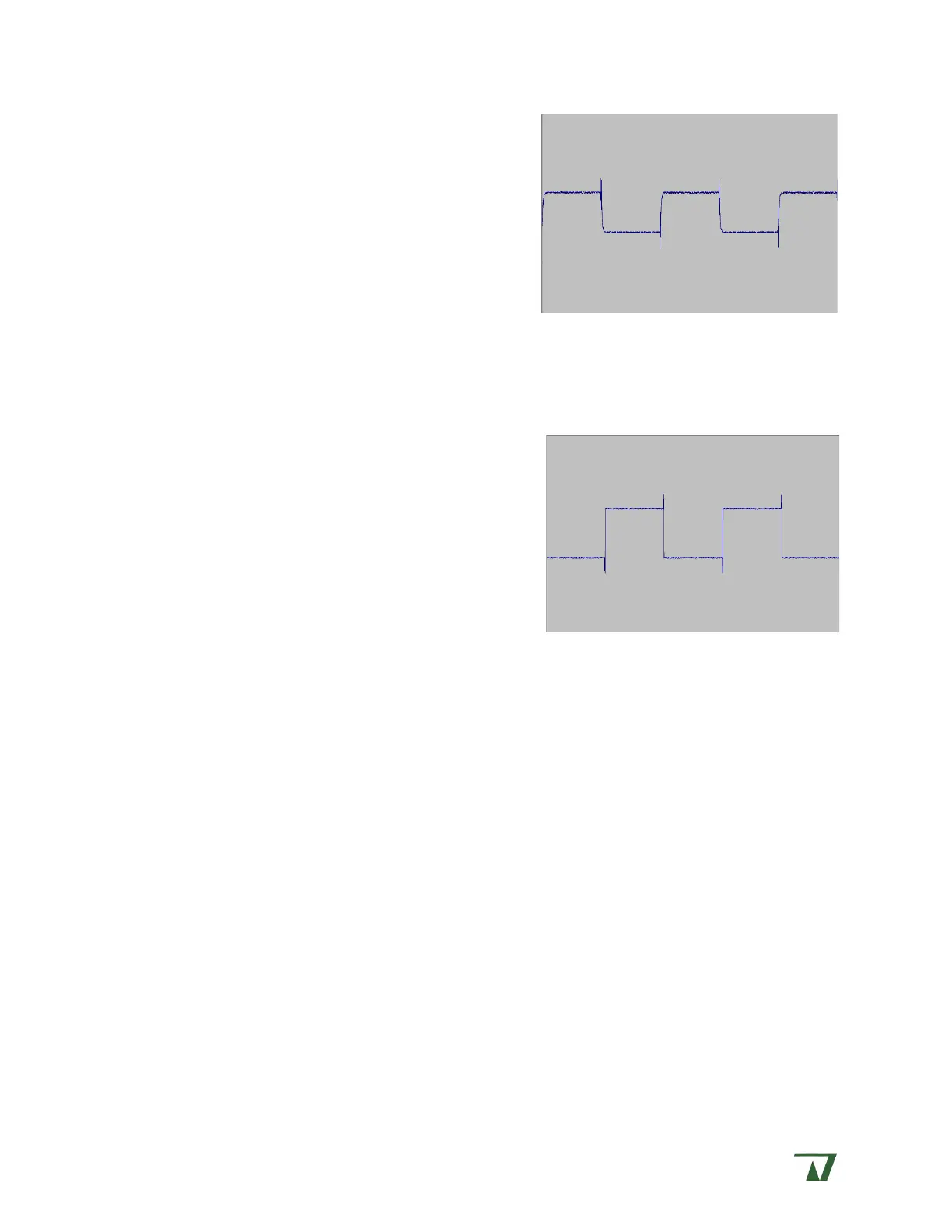
• Return to SERIES R and adjust the overshoot
away. Go back and forth between the C-SLOW
and SERIES R controls until you’ve completely
removed the leading spike and made the
leading corner as sharp as possible. An
example is shown to the right.
The value of Series R can now be read directly from
the SERIES R dial.
Whole-cell recording - % correction
Once the series resistance has been measured and corrected, you can further optimize
the amplifier by applying a signal boost in the form of % correction. Generally speaking, the
maximum correction that can reasonable be applied is 80%.
Activate the % CORRECTION control and raise its
value to 5% or so. Doing so will distort the
previously Series R settings, so you will need to
lower C-SLOW to compensate. Gradually go back
and forth, increasing % CORRECTION and decreasing
C-SLOW until you have maximized the sharpness of
the leading corner on the trace without ringing. An
example is shown to the right.


 To Next Page