Chapter 5
12
PREAMBLE/POSTAMBLE CONFIGURATION
The ‘Preamble/Postamble’ configuration is used to add a prefix or suffix
set of characters to the barcode value. Up to 8 characters may be added
for each option separately. Preamble and postamble characters can
function concurrently, but need to be configured separately.
To add preamble or postamble characters, follow the steps below:
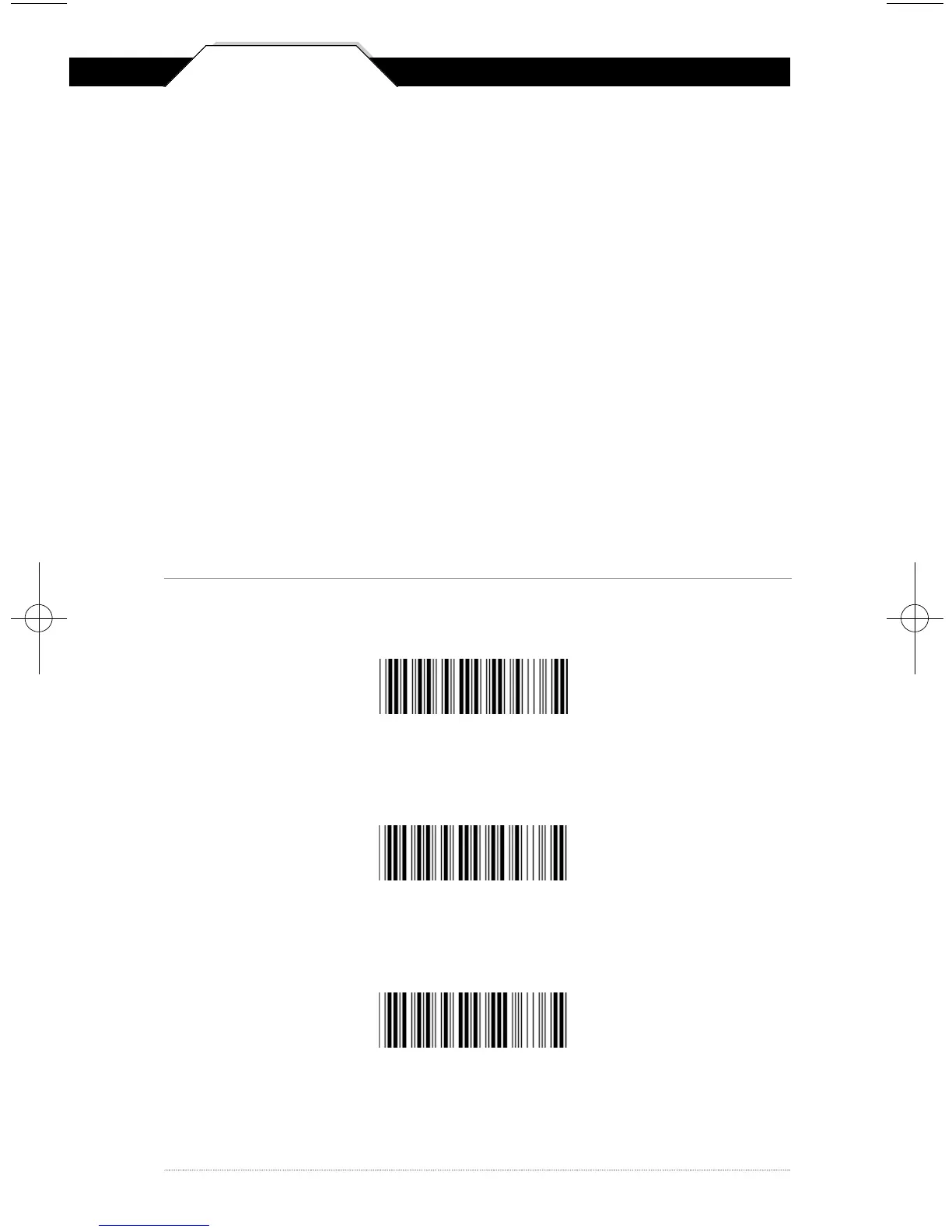
1) Scan the ‘Clear Pre/Postamble’ barcode on this page.
2) Scan the ‘Preamble’ or ‘Postamble’ barcode.
3) Use Appendix B on pages 32-35 to locate the characters you want to
add as preamble or postamble characters. Make sure that you scan
the barcode associated with each letter before preceding to the next
character. For example, to add the letter “A,” scan the barcode
corresponding to the letter “A” on page 34. The letter “A” will always
appear in your data as prefix or suffix to the barcode value.
4) Scan the corresponding 'Pre/Postamble' barcode on this page to exit
this setting.
Clear Pre/Postamble
P r e a m b l e
P o s t a m b l e
WCS3900_3905Manual0707_sm.A0 6/25/08 4:32 PM Page 12



 To Next Page