Chapter 5
23
UPC-E SETTINGS
22
UPC-E (Universal Product Code-E) is fixed length and is a compressed
six digit code used for marking small packages, including magazines and
paperback books. UPC-E symbols are UPC-A symbols that have been
zero suppressed (i.e. consecutive zeros are not included in the symbol).
The printed value of the UPC-E code is a twelve digit code. The nominal
height for the UPC-E barcode is one inch. The reduced size is 80% of
the nominal size.
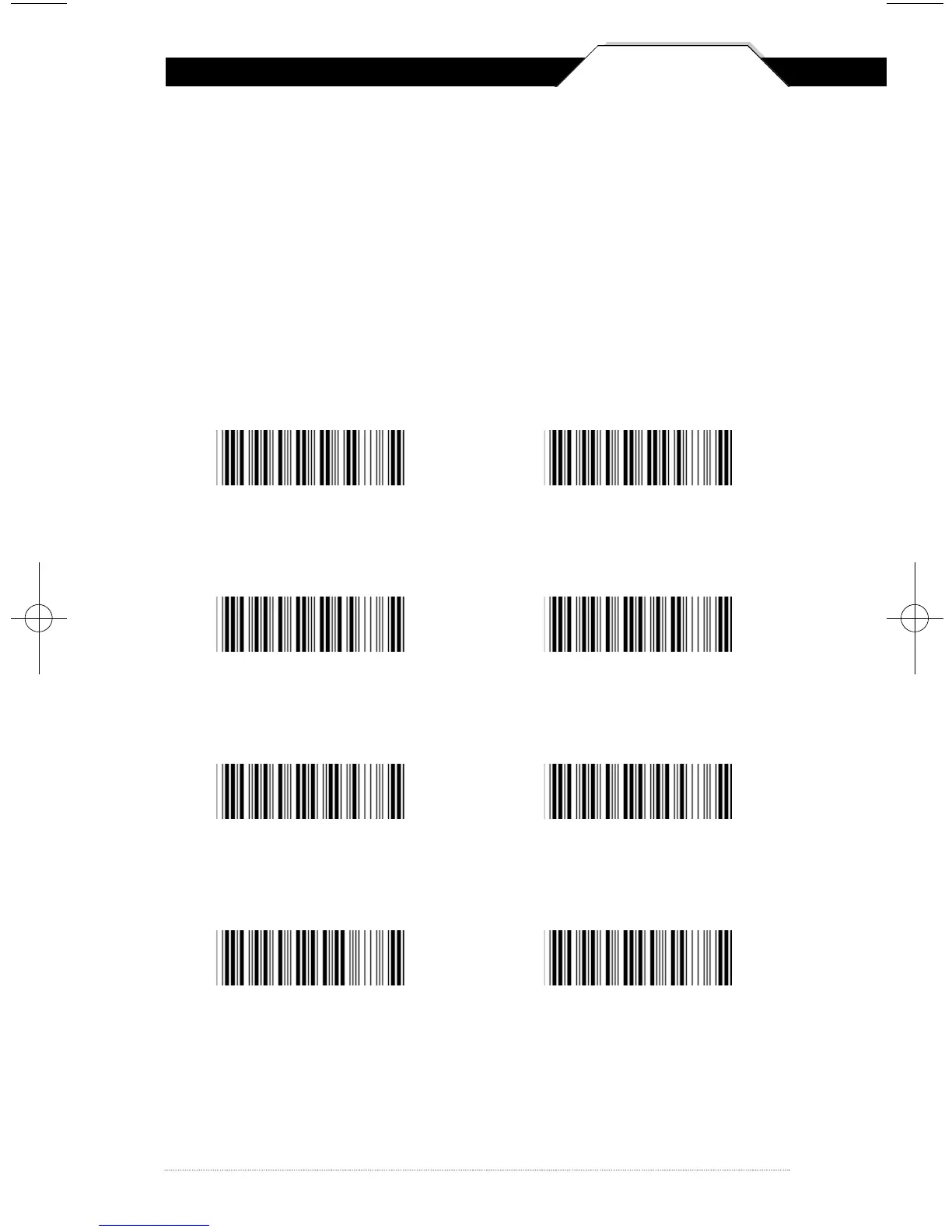
UPC-E Enable *
Send Leading Digit *
Send Check Digit *
UPC-E Disable
Do Not Send
Leading Digit
Do Not Send
Check Digit
Expand to UPC-A
O n
Expand to UPC-A
Off *
*Default
WCS3900_3905Manual0707_sm.A0 6/25/08 4:32 PM Page 23



 To Next Page