12
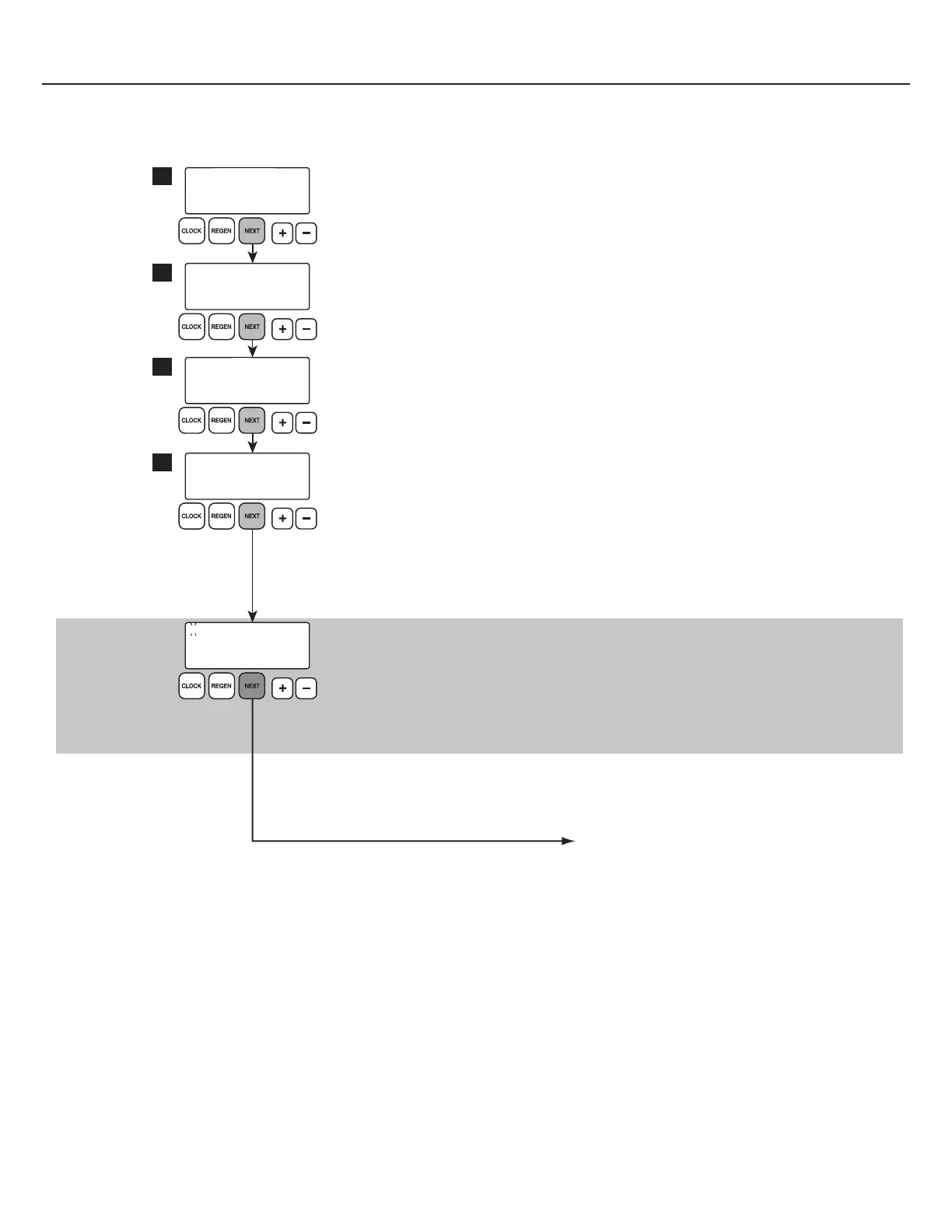
First Level History Screens
Accessed by pressing and holding + and — simultaneously for three seconds.
Returns to general display after five minutes of inactivity.
DAYS SINCE REGEN
5
VOLUME SINCE REGEN
980
RESERVE FOR
MON GAL
GAL
320
GAL
230
USAGE WED R
DAY
15
A→B
GAL
0.00
1 3 DAYS 12:35
1
2
3
4
Displays number of days since last regen.
Displays number of gallons since last regen.
Displays reserve capacity.
Use + or — buttons to scroll through each day of the week to
view calculated reserve capacity.
NOTE: Reserve capacity takes 21 days to generate.
Only appears
on units set to
1.0T Mode
Displays tank transfer history.
Use + or — buttons to scroll through last 10 tank transfers. Viewed in 1.0T Mode only.
• “1” indicates most recent tank transfer.
• “A” indicates service flow transferring away from tank.
• “B” indicates service flow transferring to tank.
• “3” indicates days ago of transfer (99 day max)
• “0.00” indicates gallons used at time of transfer.
Displays gallon usage history.
Use + or — buttons to scroll through past 90 days of water usage history.
1.0T Mode: T1 and T2 usage for this day combined in this display
• “R” indicates a regen has occurred that day.
• “S” indicates a step through manual regeneration.
• “M” indicates a manual regeneration.
• “E” indicates a valve error has occurred.
continue to next page








 To Next Page