28
I
Electrochlor Mineral Chlorinator
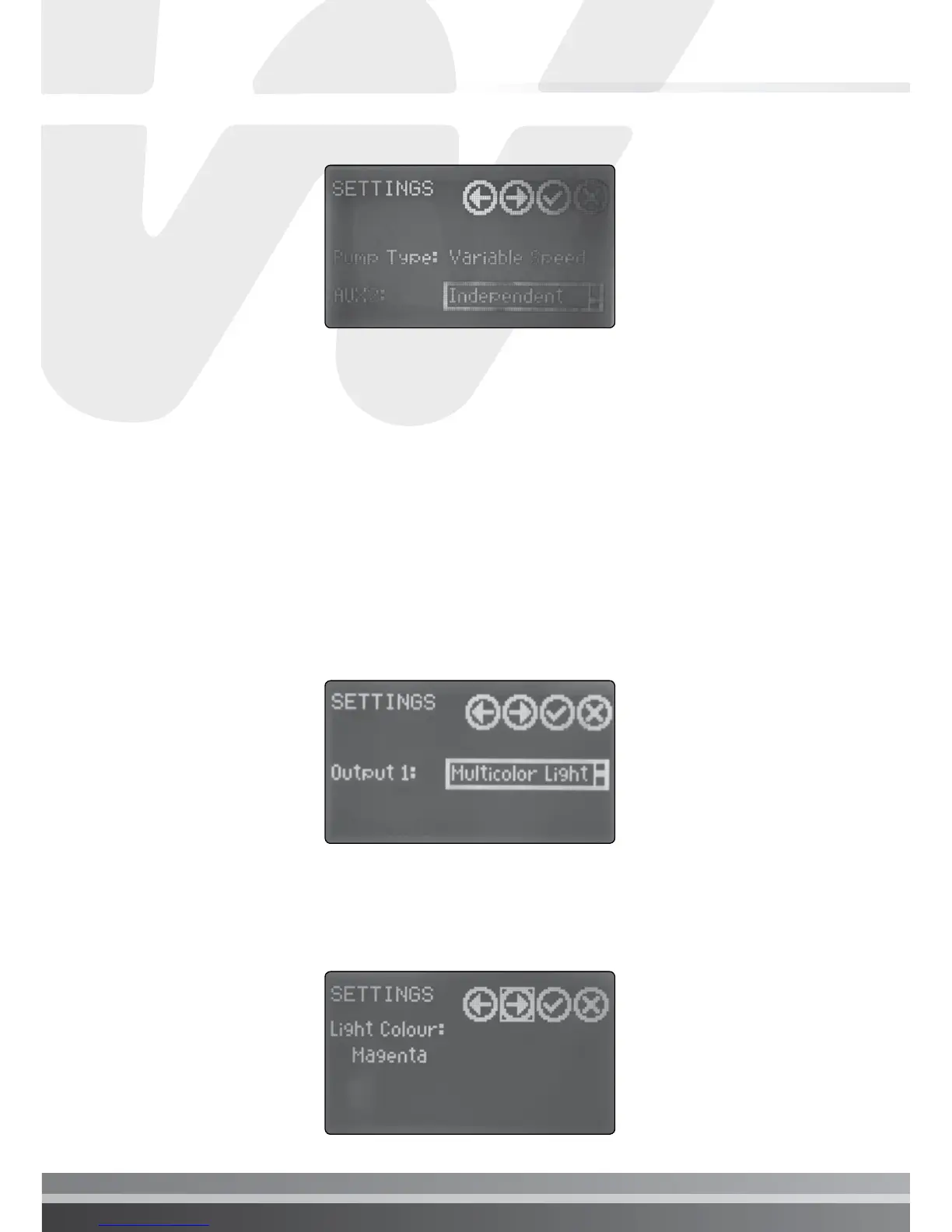
ii. Defining Output 1 (AUX2)
Electrochlor AUX2 output can be set to behave differently and adapt to the
users requirement. It can be set to control:
• Basic Light, in this case it switches on/off the light
• Multi-coloured light, in addition to the switch operation, It enables the
selection of the light colour. This function only works with Waterco
multi-coloured lights. To change the colour of the light, navigate to light
colour and select the desired colour.
• Interlocked, in this case AUX2 functionality will be interlocked to the
pool pump. Please refer to Interlocked section below,
• Independent, in this case AUX2 is set to function as an independent
timer. It can be programmed through the timer function.
iii. Changing Light colour: navigate in Setting to light colour, rotate the wheel
to select the colour. This is only compatible with Waterco’s multicolour
lights.


 To Next Page