18
I
Electrochlor Mineral Chlorinator
4. PROGRAMING THE ELECTROCHLOR
a. The Wheel (Rotary Index Switch (RIS))
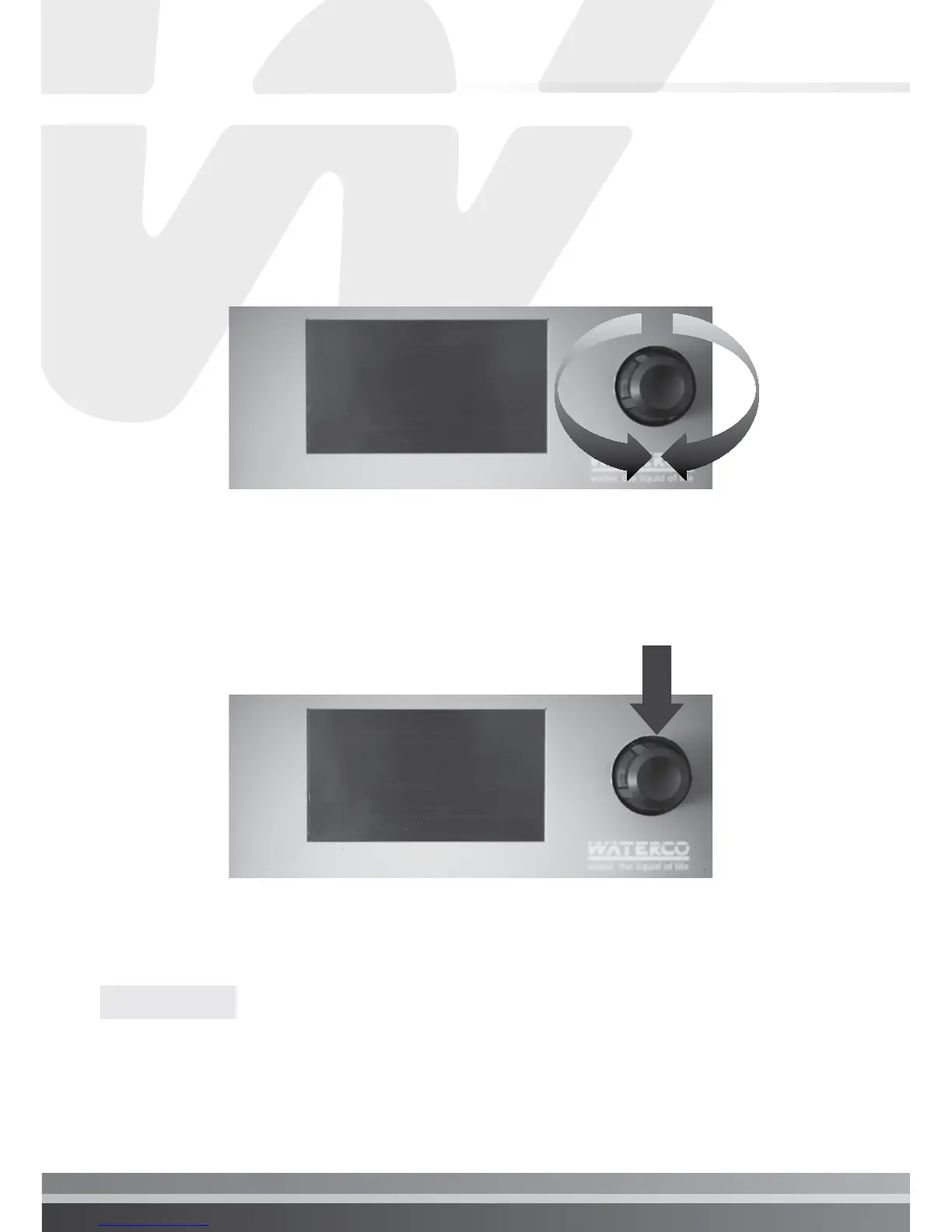
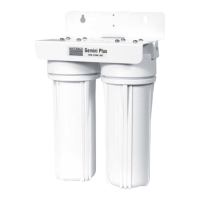
Located in the upper right side of the Electrochlor Power Pack there is a
wheel that is used to control the instrument. The wheel can be rotated in both
directions to scroll over the menus and/or pressed to confirm a highlighted
selection/value.
Scrolling through menus/options
Making/confirming a selection
Once changes are made press “” or “OK” to save and exit from submenu.
Select “x” or “Exit” to exit without saving.
NOTE:


 To Next Page