2-6 Setting up the APGC
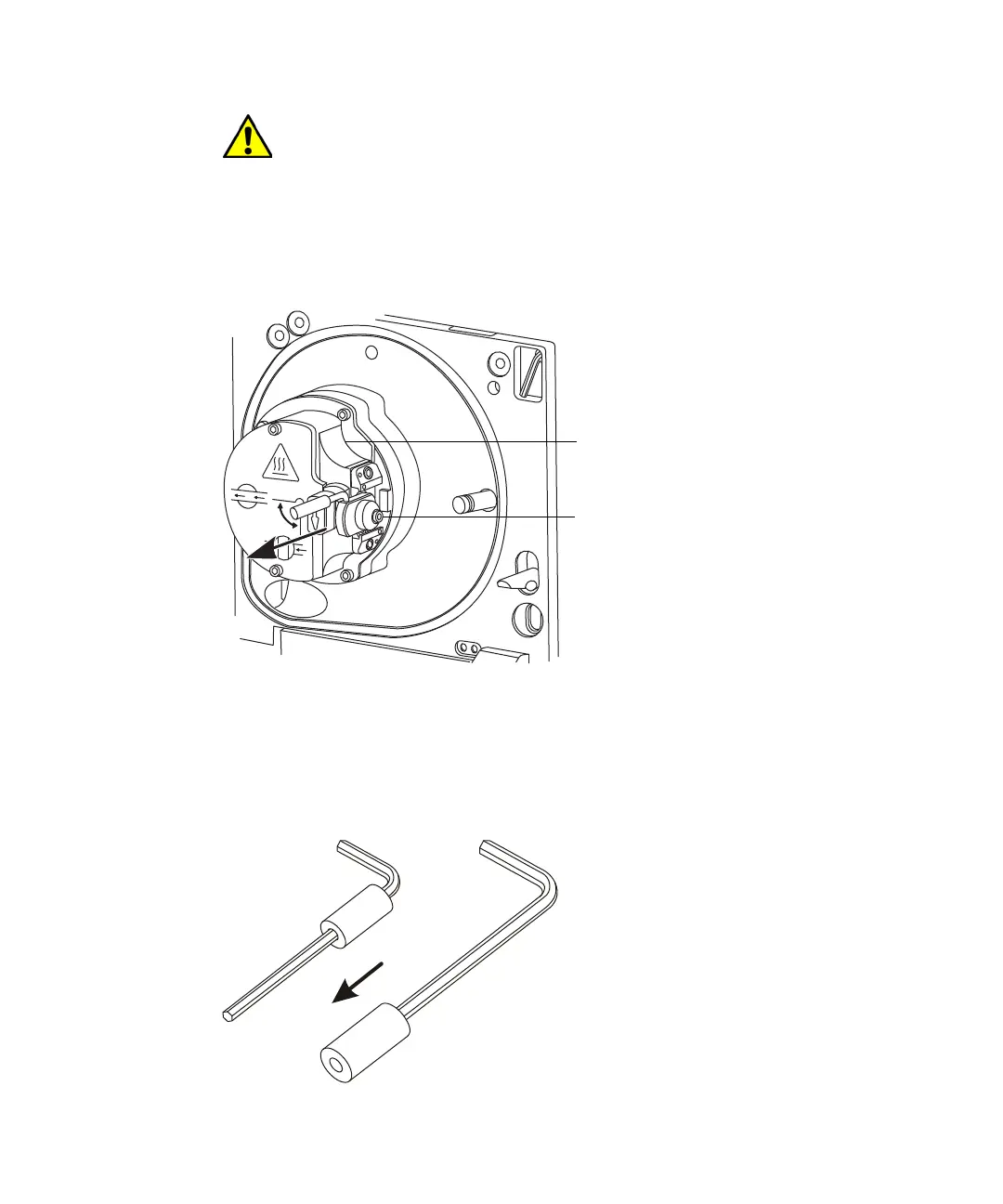
3. Slide the sampling cone assembly out of the ion block assembly.
Removing the sampling cone assembly:
4. Retrieve the combined, 2.5-mm Allen wrench and cone extraction tool
from its storage location on the source adaptor housing.
5. Slide the collar to the end of the tool.
Preparing the cone extraction tool:
Caution: To avoid damaging the instrument by sudden venting, do
not open the source isolation valve at any time while the sampling
cone assembly is removed from the ion block assembly.
Ion block assembly
Sampling cone assembly












 To Next Page