5
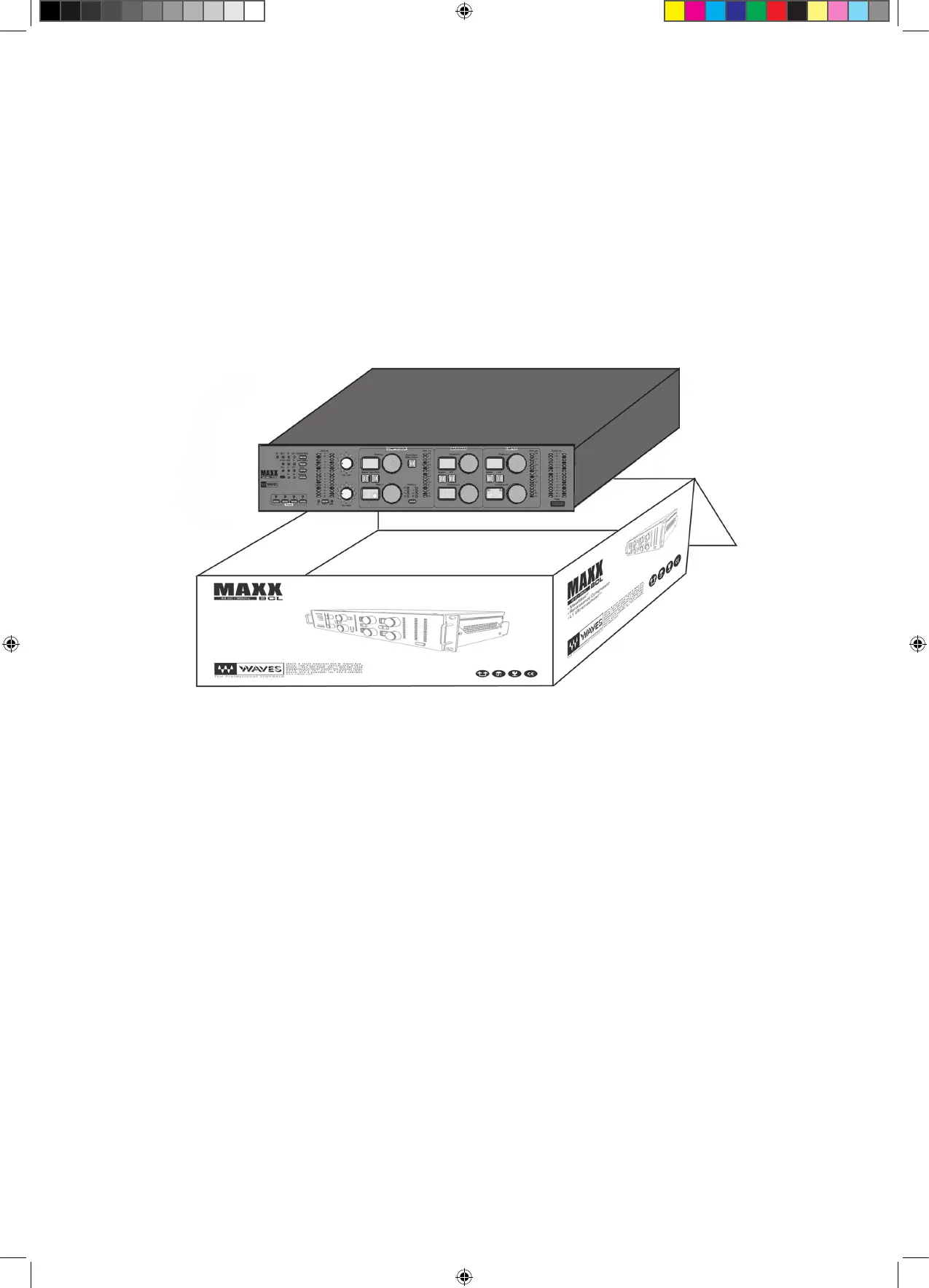
Unpacking the Waves MaxxBCL
After unpacking the MaxxBCL unit, please check it carefully for any dam-
age. If any damage is found, immediately notify the carrier that brought
you the package. You, the consignee, must instigate any claim. Please
retain all packaging in case of future re-shipment.
Mounting the MaxxBCL
Before connecting MaxxBCL, be sure to securely mount it in a standard 19”
studio rack-mount away from heat and moisture. We recommend using
the supplied plastic washers between MaxxBCL and the mounting bolts to
protect MaxxBCL’s front panel from scratches. Alternatively, for desktop use,
attach the four rubber feet to the bottom of the MaxxBCL.


 To Next Page