EN
Activate board and remote controller
It is required to activate the board and remote controller before rst use by following the steps below.
Activate the board
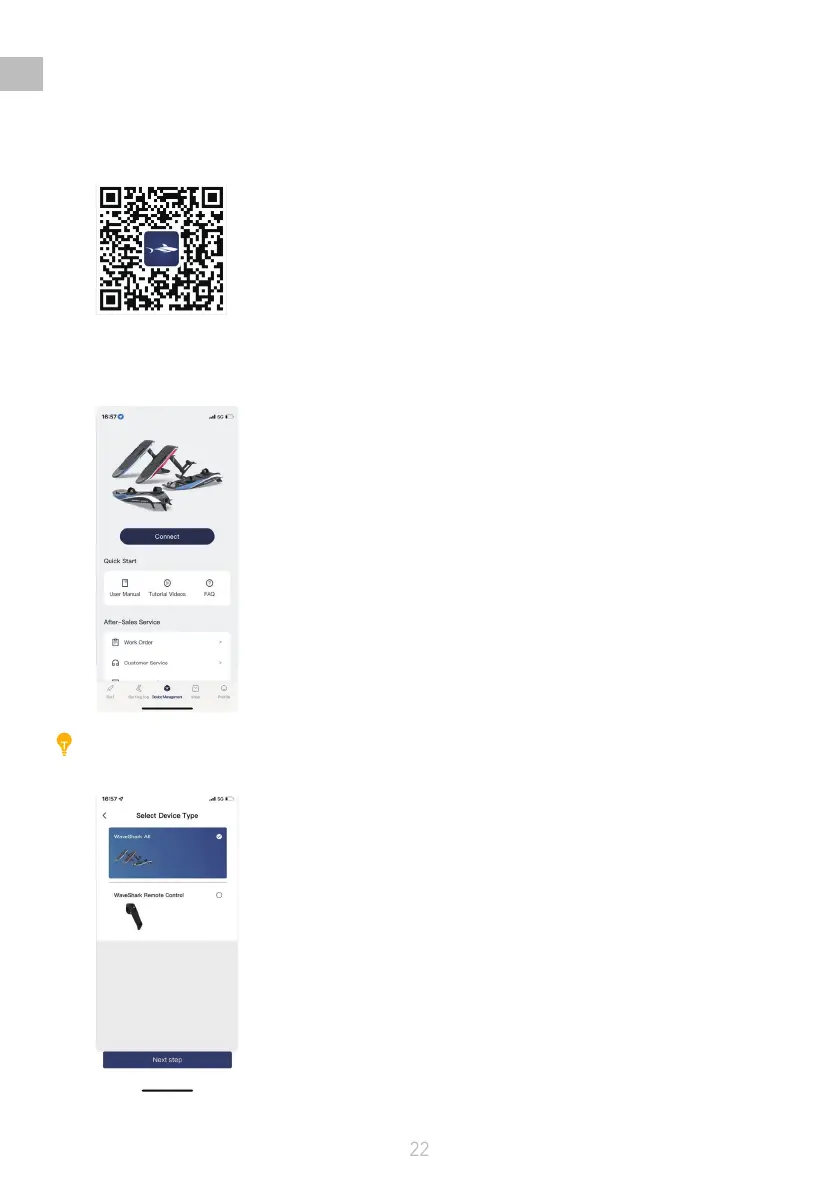
1) Sign up and log in to the WaveShark app;
2) Power on the board and connect to the app to get the serial number ( SN );
•
Turn on the board by pressing the Power button
•
Tap Connect in the app
Caution:
Only one board and one remote controller is available for the app to connect each time.
•
Select the board type
•
Get the serial number (SN);


 To Next Page