EN
①
②
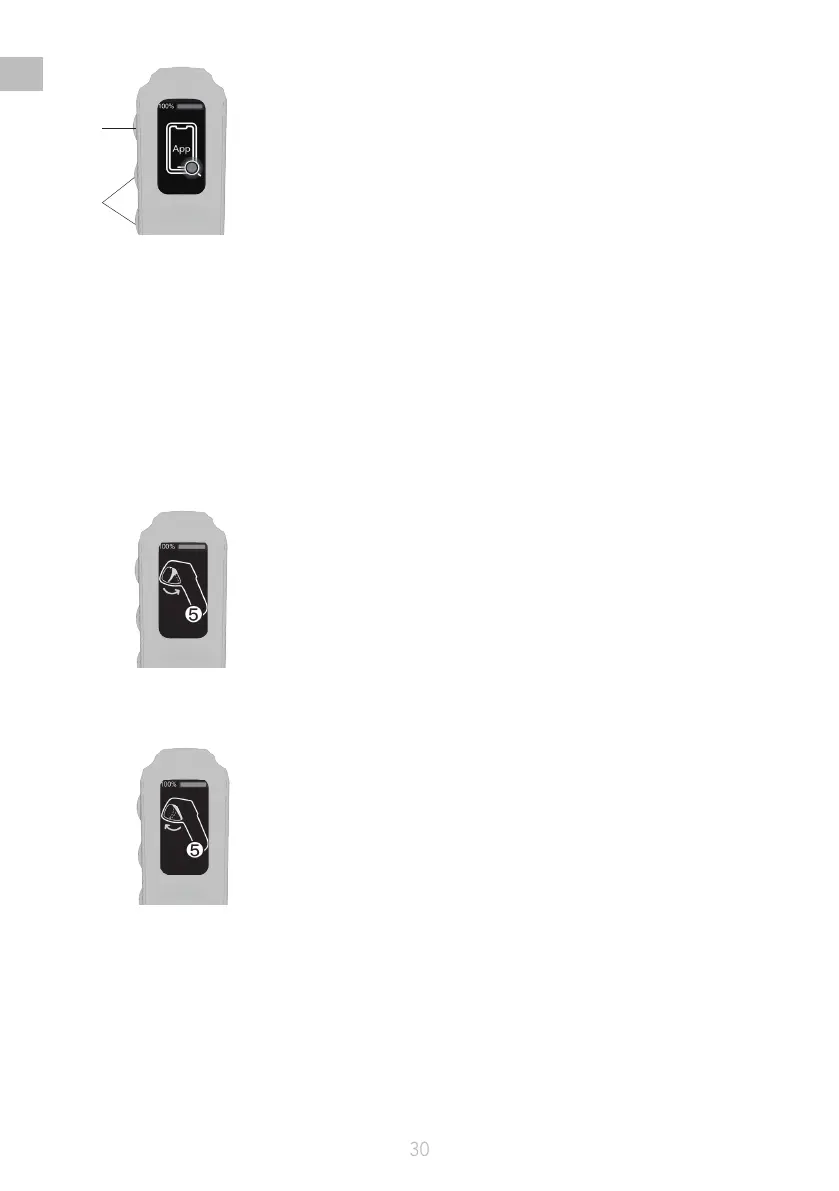
2. Start the app, search for the Bluetooth, and connect to the remote controller;
3. Check the remote controller for rmware updates, and upgrade the rmware to the latest version as
indicated by the app.
Remote controller calibration
When the remote controller displays a reminder to calibrate, calibrate the accelerator of the remote
controller by the following steps.
1. Activate the Calibration Mode by long pressing the Power button and Downshift button;
2. Maximum calibration: Pull and hold the trigger to the maximum extent during the 5-second
countdown on the screen;
3. Zero calibration: Release the trigger to the minimum extent during the 5-second countdown on the
screen.


 To Next Page