CHAPTER 4 INSTALLING SMARTSENSOR MANAGER MATRIX 47
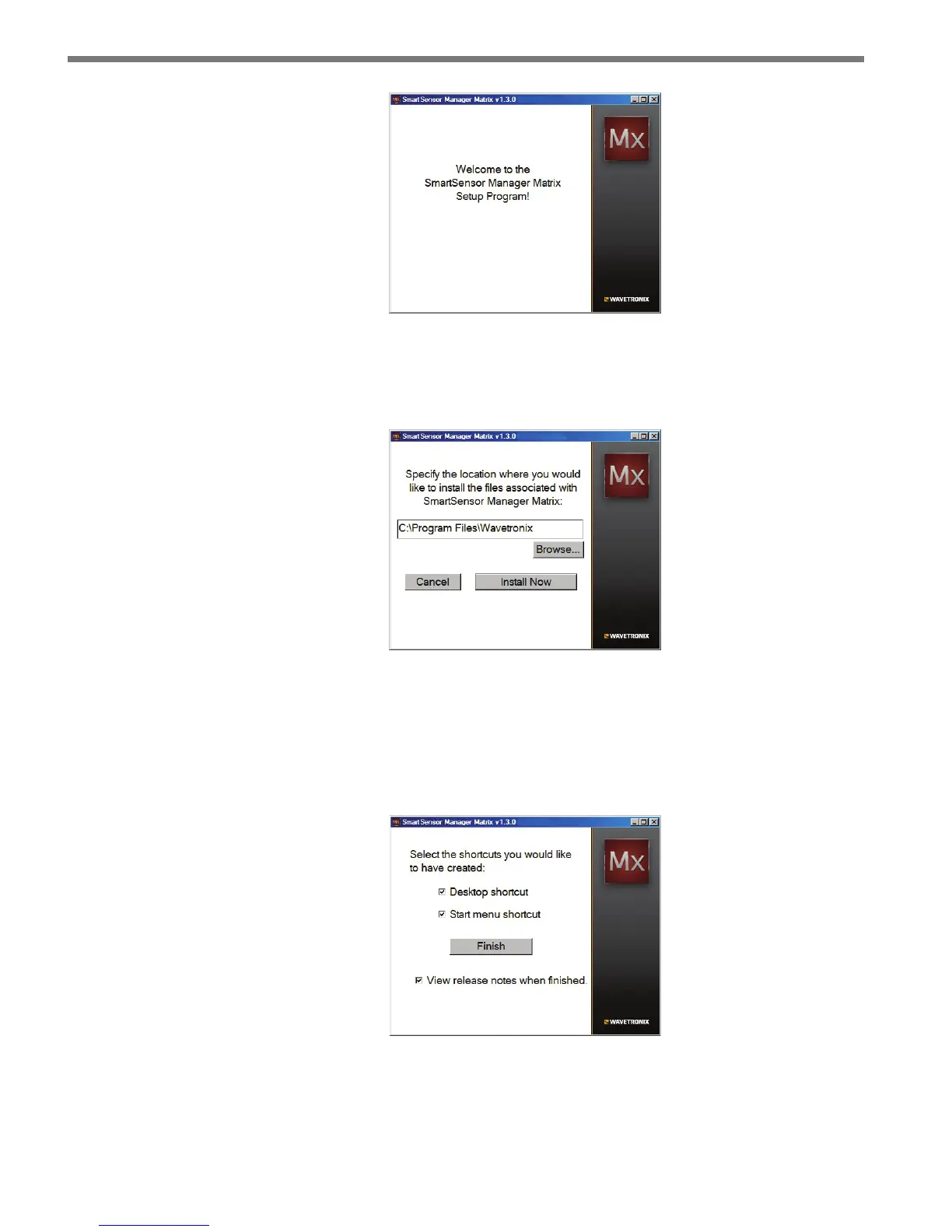
Figure 4.1 – SSMM Setup Wizard
4 Select an installation location. e default location provided is normally “C:\Program
Files\Wavetronix.” If desired, click Browse to choose another location (see Figure 4.2).
Figure 4.2 – Location to be Installed
5 Click the Install Now button.
6 Aer SSMM is installed, you can create shortcuts to the SSMM soware on the desk-
top and in the Start menu using the corresponding checkboxes (see Figure 4.3). If no
shortcuts are desired, uncheck the corresponding boxes.
Figure 4.3 – Shortcut Options
7 Click the View release notes when nished checkbox to view the SSMM release notes.
e release notes contain additional information about the current version of the



 To Next Page