48 CHAPTER 4 INSTALLING SMARTSENSOR MANAGER MATRIX
SSMM soware. A PDF reader program (i.e. Adobe Acrobat Reader) is required to
view the release notes.
8 Click Finish to complete the setup process.
Note
SSMM is designed for the 96 DPI display setting. The application may not display text
properly, and may not function properly in general, if the display is not set to 96 DPI.
Microsoft .NET Framework
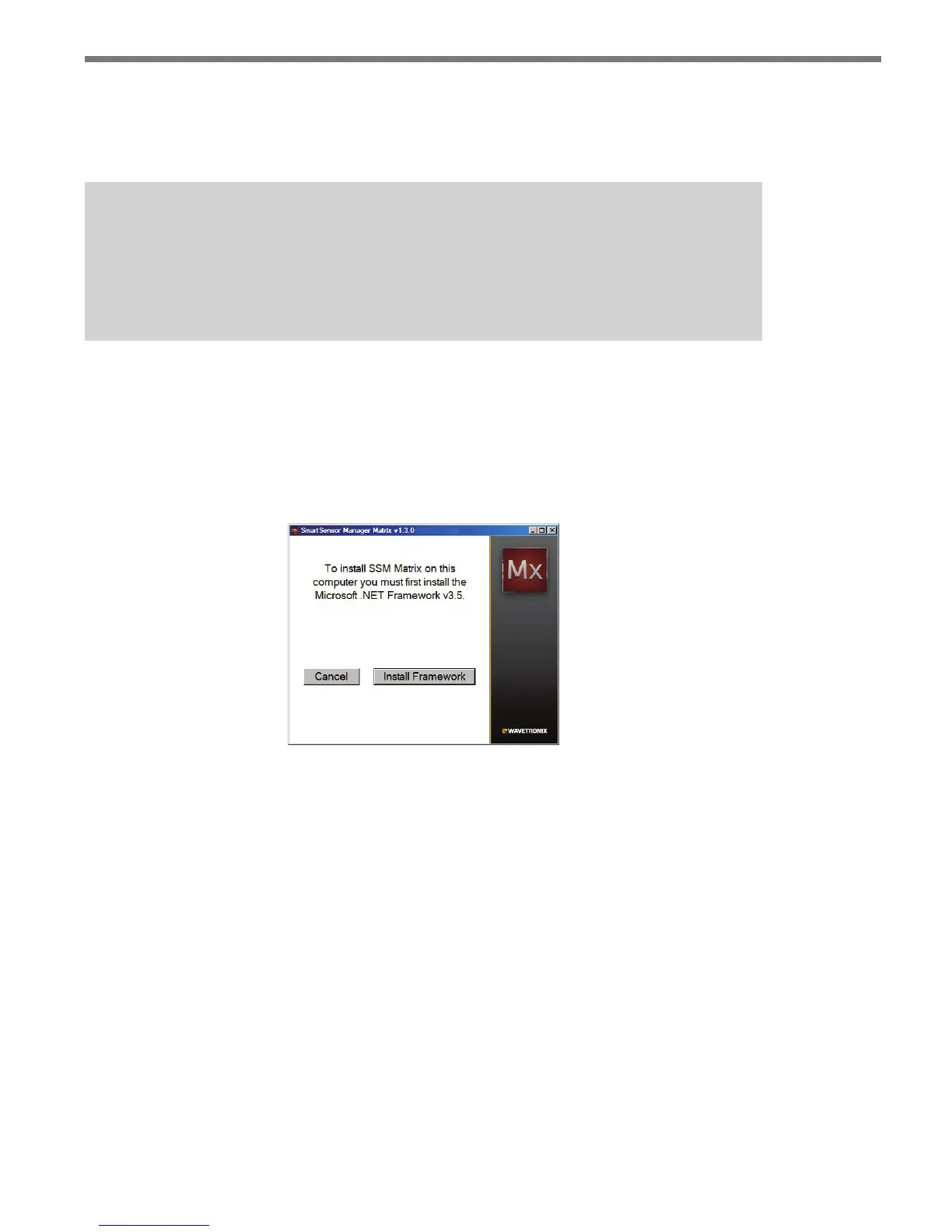
e SSMM setup program will automatically detect whether Microso .NET Framework
v3.5 is installed on your PC. If it is not installed, you will be prompted to install it (see Fig-
ure 4.4).
Figure 4.4 – Microsoft .NET Framework V3.5 Prompt
Click the Install Framework button and you will be taken to the Microso website where
you can install the latest version of Microso .NET Framework.



 To Next Page