CHAPTER 5 COMMUNICATION 55
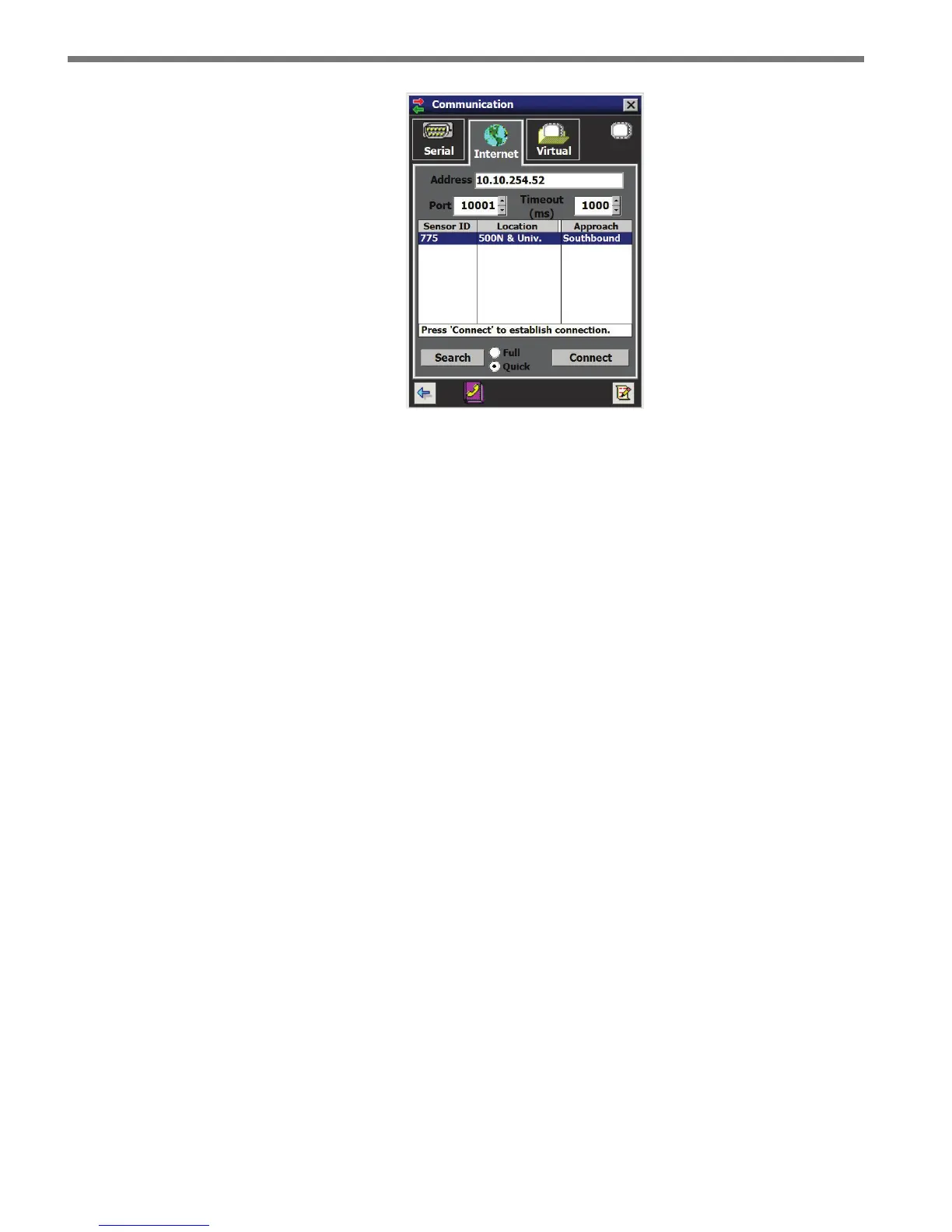
Figure 5.6 – Internet Connection Screen
9 Click the Connect button. When a connection is established you will be directed back
to the home page.
If you have problems connecting:
1 Make sure that all power and communication wiring is correct.
2 Check the address and port number.
Connection failure can occur for various reasons; if a failure occurs repeatedly, call Wa-
vetronix Technical Support for assistance.
Address Book
e Address Book is available on the Internet connection tab and allows you to save IP con-
nection settings for future use.
Click the Address Book button located at the bottom of the Communication page to add
new connection settings to the Address Book (see Figure 5.7).



 To Next Page