58 CHAPTER 5 COMMUNICATION
Note
To configure channels for a future installation, connect using a virtual connection,
create a virtual sensor file and then back up the configuration settings that you cre-
ated. After the file is successfully backed up, the virtual sensor file will change to a
sensor setup file and can be restored to any sensor in the field.
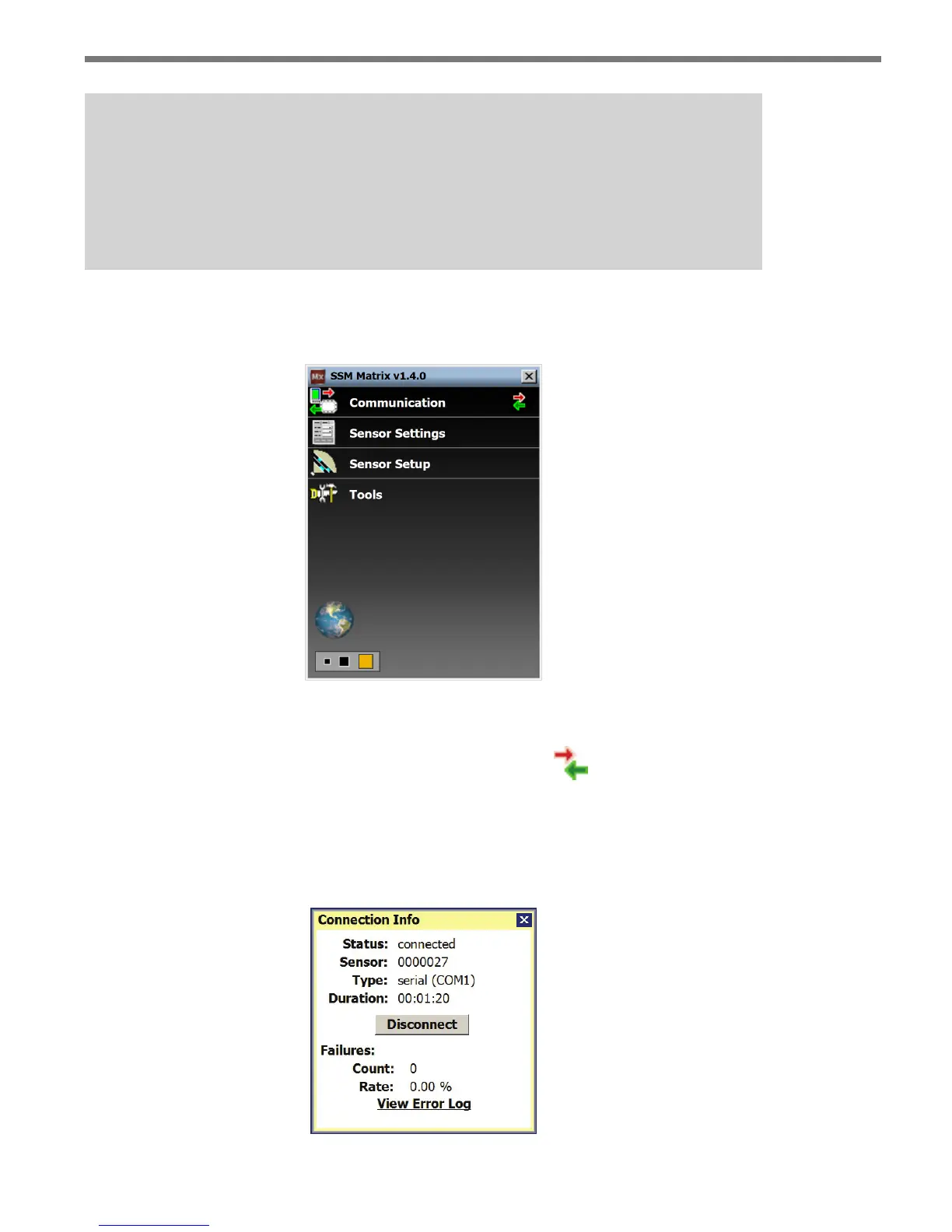
When a connection is made to the SmartSensor Matrix, the main menu will appear and all
conguration options will become available (see Figure 5.9).
Figure 5.9 – Main Menu (Connected)
Viewing Connection Information
Once connected, you can view additional information about the connection you have es-
tablished by clicking on the moving arrows icon on the top right of the main menu page or
on the bottom right of the Communication screen (see Figure 5.10). ese arrows are only
visible when there is an established connection.
Figure 5.10 – Connection Info Screen



 To Next Page