19
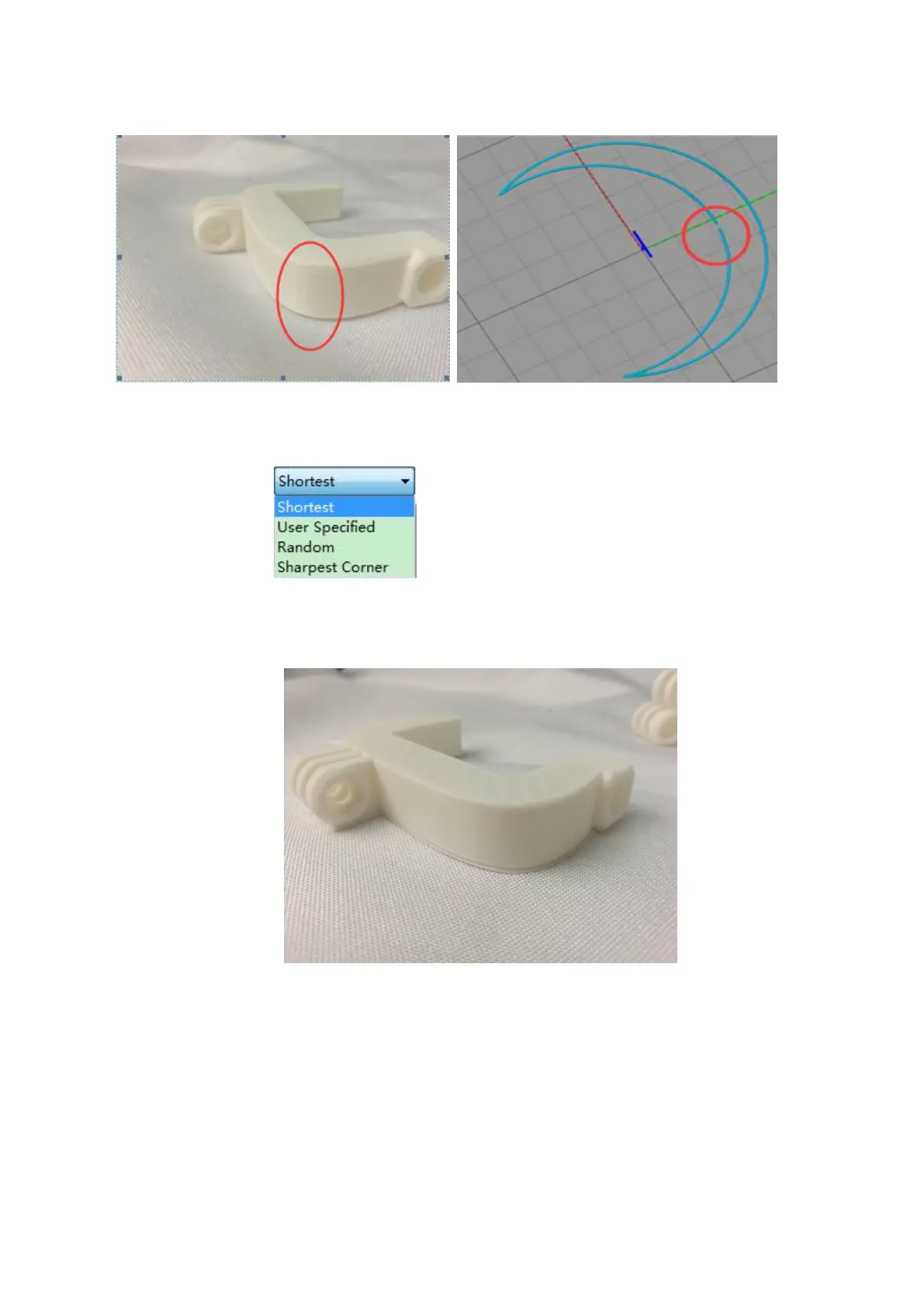
If the general model is not set, there will be concave lines or dots after printing.
The right picture is the state of the model in the software, that is, the concave line or point on the
solid model is a blank joint.
Therefore, when the model is sliced, the "seam" should be set.
Joint type:As a picture
The position of the seams in the printing model is the nearest position. The printing model effect is
as follows:
Set the seam position of the printing model as the specified position. The printing model effect is as
follows:



 To Next Page