EasyManua.ls Logo

WEEDO F150S - Operation Panel Menu; Common Operations of the Control Panel

WEEDO F150S
36 pages
Print Icon
To Next Page IconTo Next Page
To Previous Page IconTo Previous Page
Loading...
25
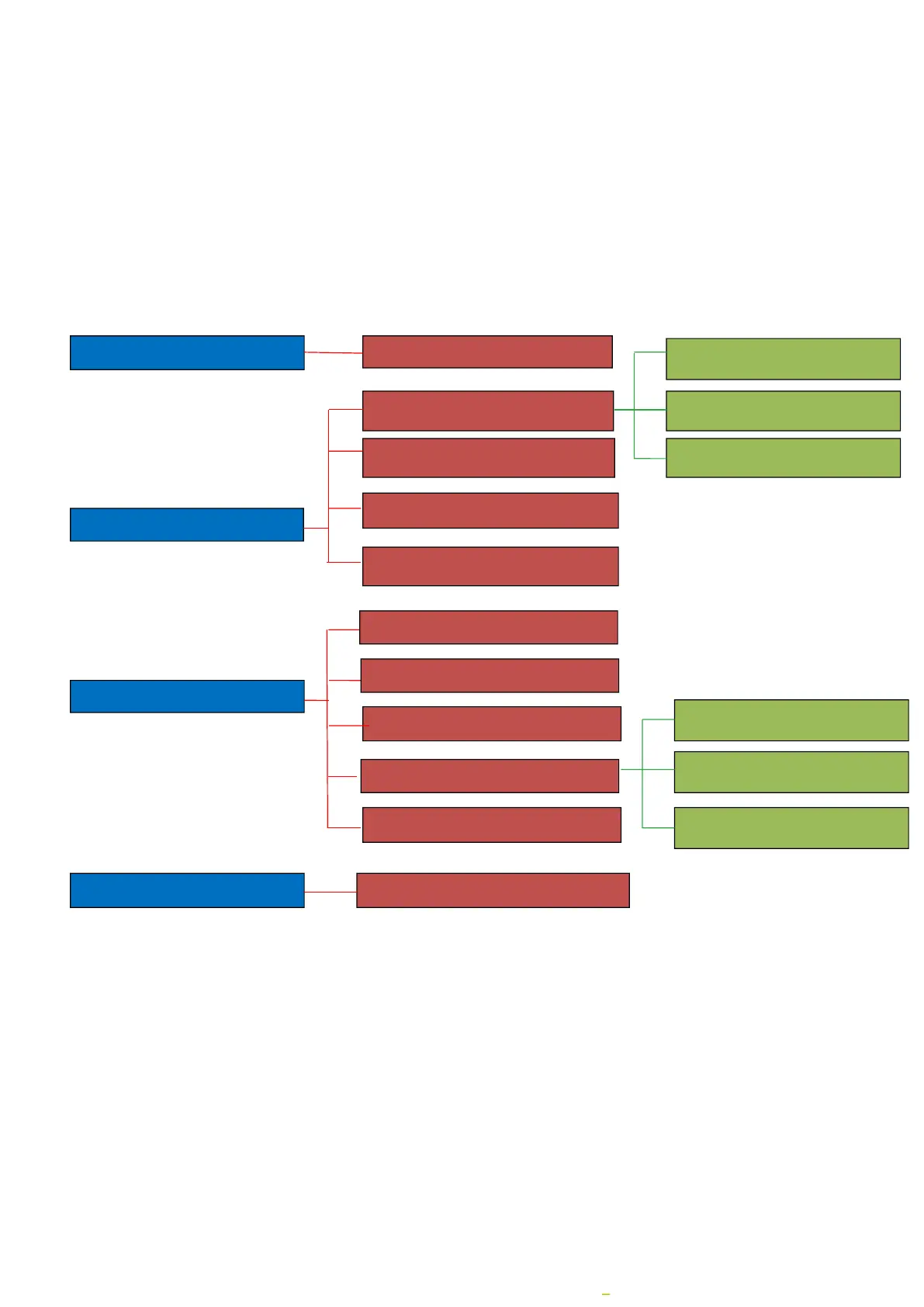
5.1.2 Operation Panel Menu
The menu tree of the control panel is shown below. The menu is divided into three levels: the left
side is the start menu, and the right side is its submenu. Click the button to enter the submenu of
the menu item. Click the button to return to the previous menu.
5.1.3 Common operations of the control panel
Print the file on the SD card

Back
Info Screen
Prepare
Filament in
Retract
Control
Front Door
Manual Level bed
Temperature
Print form SD
Gcode files list
Auto home
Move axis
Main Screen
Info screen
Cancel
Get IP
Set Wifi
Control
Nozzle
平台温度(Bed

Related product manuals